Apple WWDC 2026: Photos App Gets AI-Powered Spatial Reframing and Editing Tools
Apple announced AI-driven spatial reframing, smart object removal, and enhanced auto-editing for the Photos app at WWDC 2026, coming with iOS 27.
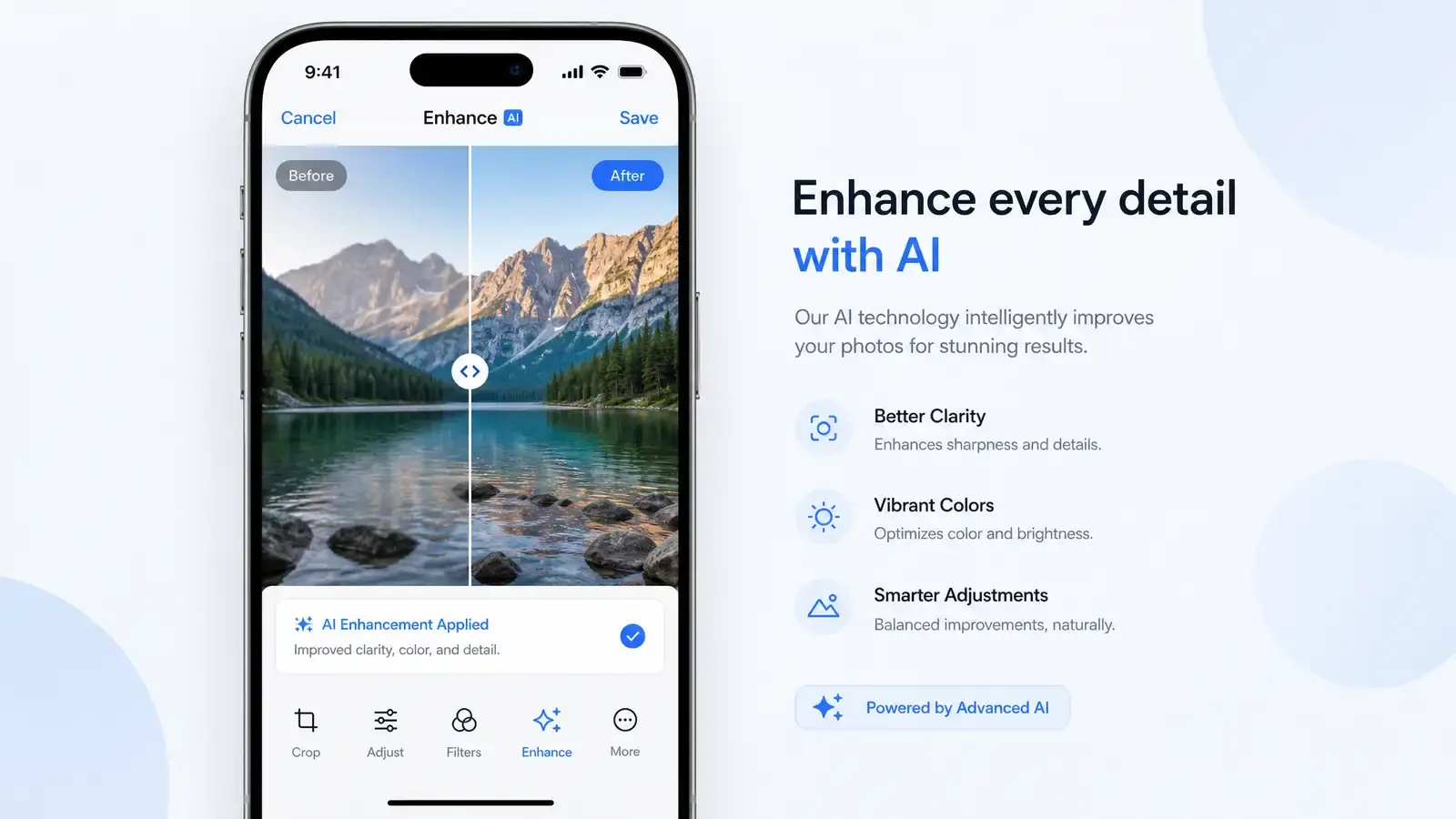
Apple announced at WWDC 2026 that its built-in Photos app on iPhone and Mac is getting a round of AI upgrades. This isn’t the flashy “we stuffed ChatGPT into the OS” kind of announcement — it’s a practical set of additions to tools people already use.
Spatial Reframing: Adjust Your Angle After Shooting
The headline feature is called “spatial reframing.” In simple terms, it lets you fine-tune the camera angle of a photo after you’ve taken it — shift left or right, zoom in or out, even adjust perspective. This isn’t traditional cropping. It uses Apple Intelligence’s understanding of scene depth to reconstruct a three-dimensional space you can fine-tune within.
TechCrunch reported that the feature lets users “recompose after the shot, not just crop the edges” (TechCrunch). MacRumors confirmed “AI-powered reframing and editing tools” are part of the update (MacRumors).
More AI Editing Tools
Beyond spatial reframing, the update includes:
- Smart object removal: Long-press an unwanted element to erase it, with AI filling in the background
- AI lighting adjustment: Identify the light source direction in your photo and adjust it afterward
- Enhanced auto-editing: Scene-aware one-tap optimization, more precise than the current “Enhance” button
Engadget confirmed these features will ship as part of iOS 27 (Engadget).
What This Means
Apple’s strategy is clear: don’t compete with Google and Adobe on flashy generative AI. Instead, weave AI into existing tools so users get more power inside familiar interfaces.
Spatial reframing is the most interesting piece here. It essentially says “you don’t need to nail the shot in one take.” The approach is similar to Adobe’s Generative Expand but more conservative — Apple only adjusts within the frame you already captured, it doesn’t hallucinate new content that was never there.
For casual users, this is an upgrade you can use without learning anything new. For photography enthusiasts, it could shift the iPhone’s position in mobile photography — no longer “crop or nothing,” but real post-processing flexibility.
How Apple describes it
In its WWDC26 announcement, Apple describes Spatial Reframing as a way to “improve the composition of a photo after it’s been taken”. Apple also said search in Photos, Spotlight and Mail was rebuilt to be more stable and efficient, and its footnotes describe performance testing of the Photos app on iPhone 15 with a 50,000-item library. Image generation and other server-dependent features carry daily usage limits that most iCloud+ plans raise.
How it compares
Generative photo editing is now standard on major platforms. Google Photos offers Magic Editor for moving and resizing subjects, and Adobe Photoshop’s Generative Expand extends an image beyond its original edges. As reported, Apple’s approach is more conservative: it reworks the framing of the captured scene and pairs it with clean-up and lighting tools inside the existing Photos editor, rather than inviting users to invent new content. For people who want plausible corrections rather than visible AI effects, that restraint is the point. For those who want heavy generative edits, third-party apps will remain the better fit.
Practical tips
- Keep the original. Photos edits are non-destructive, so you can revert, but exporting a copy before heavy edits is still a good habit.
- Check edges and fine detail, such as hair, text and reflections, after AI fills or reframes; these are where generative tools most often slip.
- Disclose edits where it matters, for example in journalism, contests or listings, where altered images may break rules.
Availability and requirements
According to Apple’s WWDC26 announcement:
- Timing. Developer testing began on the day of the keynote, a public beta was scheduled for the following month through the Apple Beta Software Program, and the features arrive as a free update in the fall with iOS 27, iPadOS 27, macOS 27, watchOS 27 and visionOS 27.
- Siri AI is labelled beta. It will be available as a beta later in the year for supported devices set to English, with more languages to follow.
- Supported devices. iPhone 15 Pro and Pro Max, iPhone 16 models or later, iPad mini (A17 Pro), iPads and Macs with M1 or later, MacBook Neo (A18 Pro), Apple Vision Pro, and Apple Watch Series 9 or later, Ultra 2 or later and SE 3 when paired with an Apple Intelligence-enabled iPhone.
- Regional limits. Siri AI is not initially available in the EU on iOS, iPadOS and watchOS (Mac and Vision Pro users in the EU can use it in a supported language). Siri AI and the other new Apple Intelligence features are not available in China while Apple works through regulatory requirements.
- Usage limits. Some features that rely on server models, including image generation, have daily usage limits; most iCloud+ plans raise them.
Sources
Reader Dispatches
No reader responses yet. Share your technical perspective below.
Related Posts
Apple Unveils Siri AI at WWDC 2026: A Complete Overhaul Powered by Apple Intelligence
Apple introduced an entirely new Siri AI at WWDC 2026, featuring natural conversational responses, deeper system integration, and a rebuilt Apple Intelligence stack. Here is everything we know.
WWDC 2026: The Siri AI We Waited Four Years For Is Here, and the Engine Is Google's Gemini
At the June 8 WWDC keynote, Apple finally shipped the rebuilt Siri AI. Under the hood is a custom Google Gemini model running on Apple's own Private Cloud Compute, in a deal reported at about $1 billion a year. Add iOS 27, macOS 27 Golden Gate, and Tim Cook's final WWDC keynote, and this one deserves a close read.
Zuckerberg Admits AI Agents Stalled After $145B Bet and 8,000 Layoffs: The Great AI Paradox of 2026
Meta CEO Mark Zuckerberg told staff that AI agent development hasn't progressed as expected — after cutting 8,000 jobs and spending up to $145 billion. The admission exposes a deeper paradox: tech companies have laid off 165,000 workers in 2026 while pouring $700 billion into AI infrastructure.