Run Several Coding Agents Without Losing the Terminal
Herdr is a Rust multiplexer that keeps Claude Code, Codex, and friends alive when you close the lid. Install it, split panes, detach. It is not tmux with a coat of AI.
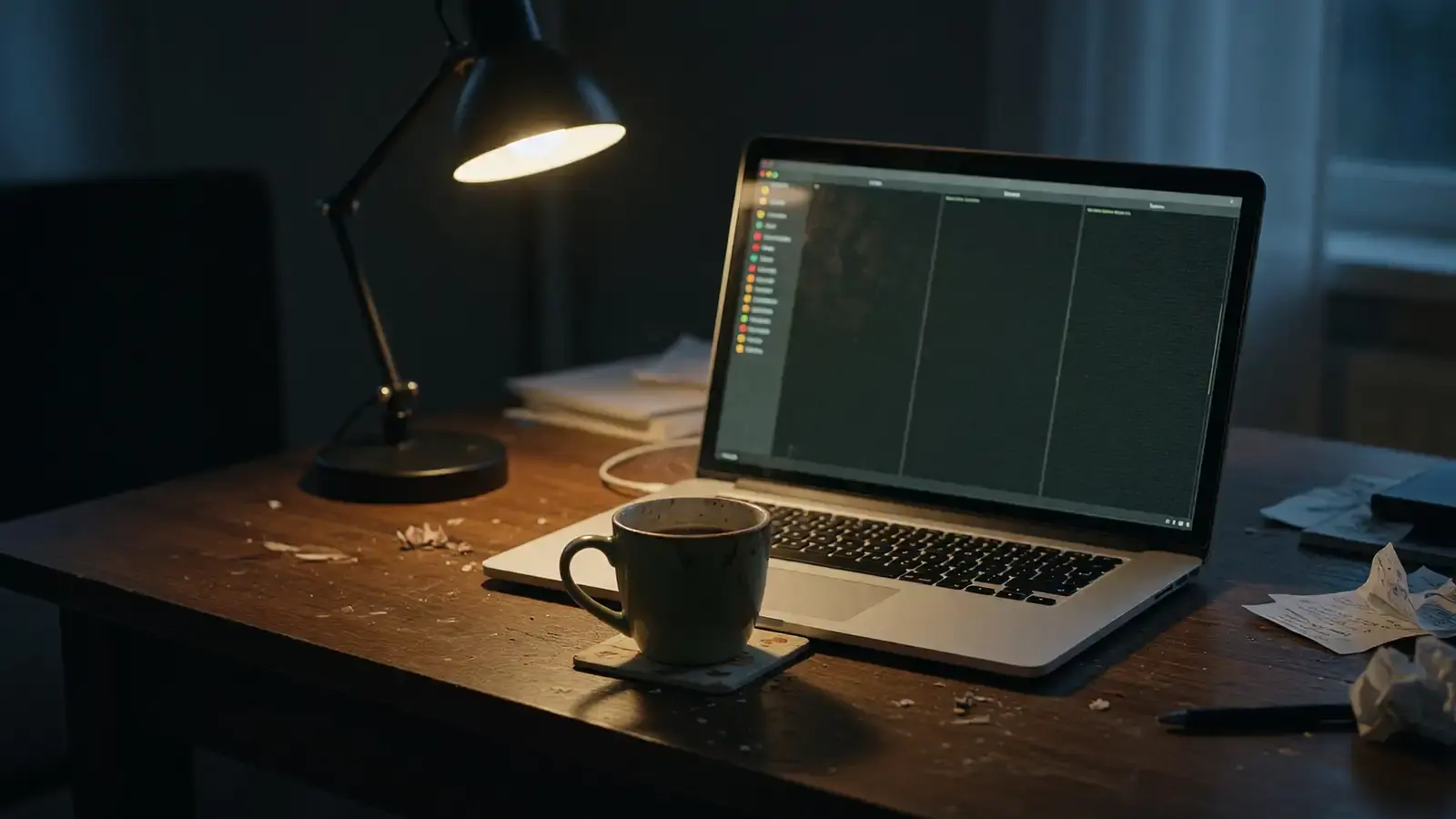
Local agents already work. The part that breaks is the window.
We walked through LM Studio Bionic when you want the model on your disk. Copilot’s HydraFusion CLI is a different bet: cloud, cost knobs, one agent. Herdr is for the mess in between. You have Claude Code in one pane, Codex in another, maybe Gemini CLI on a remote box, and you close the laptop. Yesterday those sessions died.
Intelligent Living’s explainer is the clean statement of the problem. Coding agents live in terminals. Close the tab, shut the lid, drop SSH, and the agent is gone. You also cannot see which one is working, which one is blocked on a prompt, and which one finished, without hopping panes like a dealer. Herdr’s pitch is persistence plus a sidebar that knows those states. It does not replace Claude Code. It owns the terminal Claude Code is sitting in.
What you are installing
Developers Digest’s deep dive puts the repo at github.com/herdrdev/herdr, Apache-2.0, created 27 March 2026. The site is herdr.dev. Hacker News treated it as a toy in May, a 166-point thread in late June, then 404 points on 2 July. YC’s F26 batch post landed 6 August. That is enough history to say it is not a gist someone published yesterday.
Better Stack and BitDoze both say it is a single Rust binary. Homebrew had 0.7.3 when BitDoze wrote:
brew install herdrLinux without brew: the docs still tell you to pipe the install script from herdr.dev into sh, which drops a binary in /usr/local/bin. I am not pasting a curl one-liner from a secondary blog. Open herdr.dev, read the script URL, then run it. If you do not like piping scripts, clone the GitHub repo and build with Cargo.
It stays inside the terminal you already use. Warp and Cmux want you to move house. Herdr does not.
First session
herdrYou get a TUI and one pane. Prefix is Ctrl+B, same idea as tmux.
Ctrl+BthenV— split verticalCtrl+Bthen-— split horizontalCtrl+Bthen arrows — moveCtrl+BthenX— close pane- Detach: BitDoze says
Ctrl+BthenD. Intelligent Living saysQ. If one no-ops, try the other. Then read herdr.dev instead of guessing a third key.
Mouse works. Click a pane, drag a border, right-click for a menu. That is the feature HN people called a reason to leave tmux.
In a pane, start the agent you already have:
claudeor Codex, or copilot, or Gemini CLI. Intelligent Living says Herdr detects 21 agents with no extra config, including Claude Code, OpenAI Codex, Cursor Agent, OpenCode, Grok CLI, GitHub Copilot CLI, Gemini CLI, Hermes, and Pi. The agent shows up in the sidebar with a state. Launch a second one in the other pane. You now have two jobs you can actually see.
Named sessions, from BitDoze:
herdr session attach work
herdr session list
herdr session kill side-project
Detach. Get coffee. Run herdr or herdr session attach work later. The agents keep running. That is the whole product.
Remote machines
Client-server. Locally they talk over a Unix socket. On a box you SSH into:
herdr --remote ssh://user@your-remote-serverBetter Stack: server on the remote side, client on your laptop, tunnel in the middle. Intelligent Living also documents herdr machine add over SSH so remote workspaces show up in the same sidebar. Use one of those paths, not both, until you know which your build implements. The docs on herdr.dev are the tie-breaker.
BitDoze mentions Moshi on iOS with native Herdr support. I did not install an iPhone terminal for this piece. If you need agents from a phone, read that page. Do not assume it is production.
What it is not
It is not tmux. tmux is still the right tool if you want a multiplexer and you do not care about agent state. Herdr is the right tool if the state is the point.
It is not an agent platform. Developers Digest is blunt: no task graph, no approval policy, no durable event history. A server restart kills child processes. Detach survives a closed window. Restarting the server restores layout and directories. It resumes conversations only where something recorded a session ID. Everything else is dead. Plan for that. Do not treat Herdr like a job queue.
It does not wrap the tools. Claude Code is still Claude Code. If Anthropic changes a flag tomorrow, Herdr should not be the thing that breaks. If it is, that is a bug, not a feature.
Copy-paste inside a redraw-heavy outer terminal like WezTerm has already bitten people. Keybindings were inconsistent early. If your prefix fights the editor, stop and set it in config before you invent muscle memory.
A setup that will not embarrass you on Monday
- Install with brew or the official script. Check
herdrprints a version. herdr session attach week.- Two panes. Left: the repo you are allowed to touch. Right: a scratch clone.
- Left runs one agent. Right runs another. Do not point both at production credentials.
- Detach. Confirm the processes still exist with
herdr session list. - Only then add
--remoteto a dev box.
Keep API keys out of prompts. Stealers have been going after Claude, Cursor, and Codex token files. Herdr makes it easier to run more agents. It also makes it easier to leave more secrets in more panes. Short-lived tokens. OS keychain. Revoke from a clean machine if a pane looks wrong.
A day of actual use, not a feature tour
Morning: attach week. Left pane is the bug you said you would finish. Right pane is the test file you do not want the first agent rewriting while it “helps.” If both agents share a working tree, they will fight. Separate clones cost disk and save an afternoon.
Midday: one agent blocks on a question. The sidebar is the point. You answer that pane and leave the other one chewing. In tmux you would have forgotten the blocked one until the standup.
Afternoon: laptop lid. Detach first if you are about to yank a USB-C cable. The server is supposed to keep children alive through a closed window. It is not supposed to keep them alive through killall herdr or a reboot. Know which one you are doing.
Evening: herdr session list. If a session you do not recognize is there, kill it. Extra agents are extra tokens. Extra tokens are extra stealers.
Do not run Herdr as root. Do not point an agent at ~/.ssh for fun. Do not paste production .env into a pane because the model asked for context. The multiplexer makes those mistakes easier to parallelize.
If you already live in tmux and you only ever run one agent, stay. If you run three and you keep murdering them with the lid, install the binary, split the window, and detach on purpose.
Reader Dispatches
No reader responses yet. Share your technical perspective below.
Related Posts
Claude Code on Ollama: Local Models, Same CLI, Real Limits
Ollama speaks the Anthropic Messages API. Point Claude Code at port 11434 and tokens stop billing. You still need VRAM, tools, and 64k context.
Claude API context compaction: you pick when to summarize
On-demand compaction landed around Sept 14. How to call compact-2026-09-04, swap the signed block, and why this is not a memory store.
Run a Local Agent Stack With LM Studio Bionic
LM Studio Bionic adds MCP apps, project files, and a local-or-cloud model switch on top of the old chat window. Here is how to pick a model for your RAM and stop sending the repo to a subscription API.