AI Coding Assistants Are Making You Worse at Your Job — Here's How to Fix That
AI coding tools save time on boilerplate but quietly erode the skills that make you valuable. A practical workflow guide for using them without losing yourself.
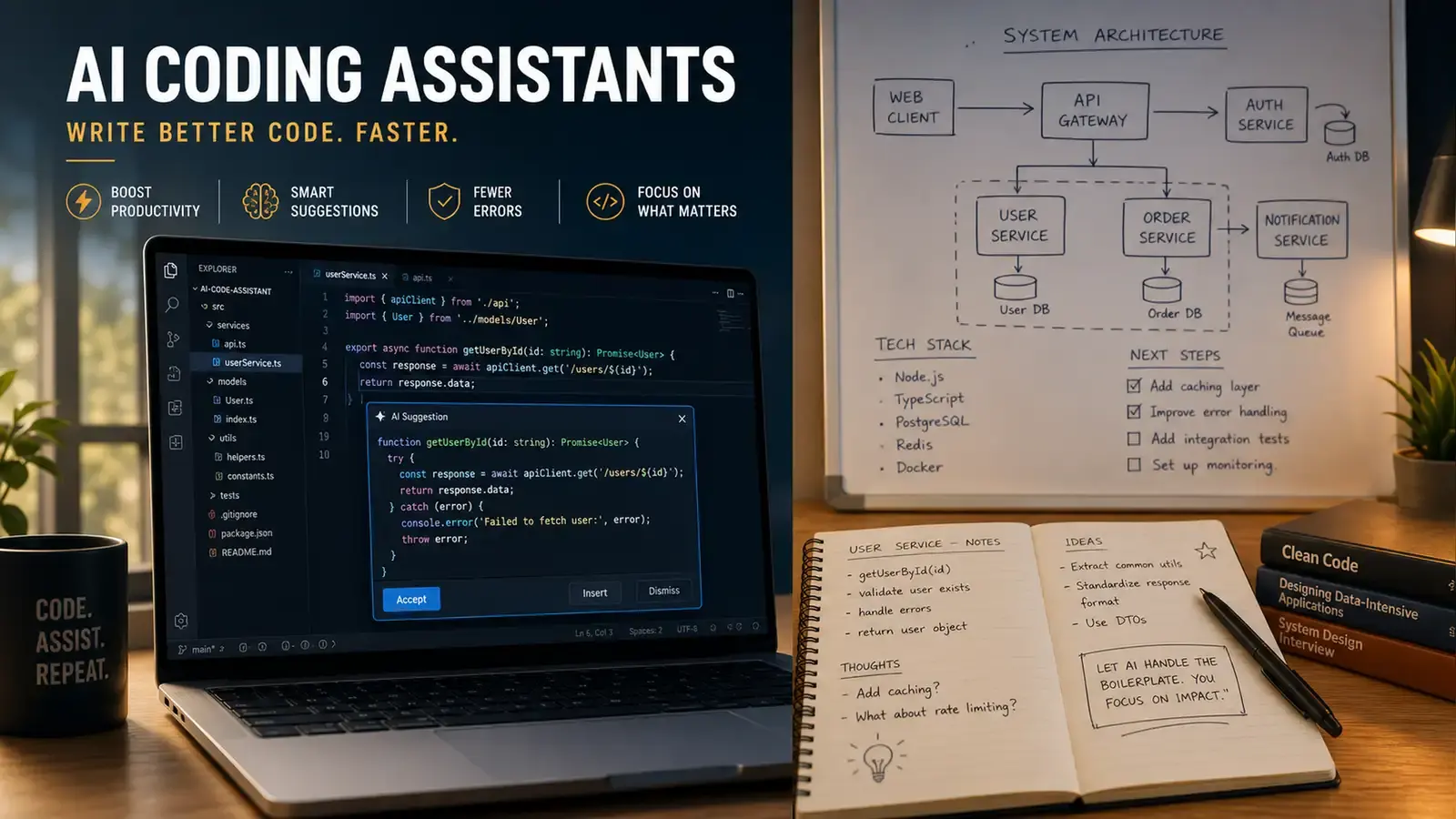
Here is something nobody tells you when you first install an AI coding assistant: the tool is not neutral. It changes how you think about code, and most of those changes happen below the level of conscious awareness. You start reaching for the Tab key instead of your own reasoning. You accept suggestions that compile and pass lint and still do the wrong thing, because the green checkmark feels like proof. Six months later you’re faster at accepting completions and slower at everything else.
This is not an argument against AI coding tools. Used well, they cut hours off boilerplate work and let you focus on the interesting parts of software engineering. Used poorly, they accelerate you toward a codebase you no longer understand and skills you can no longer access on demand. The difference comes down to workflow — and most teams haven’t built one. They installed the plugin, watched the demo, and assumed the rest would sort itself out.
Here is a workflow that keeps the speed and avoids the skill death spiral. It’s not complicated. It requires discipline, which is harder to install than any VS Code extension.
Understand What the Tool Is Actually Good At
AI coding assistants have a narrow excellence zone and a wide danger zone. Drawing the boundary clearly is the single most important thing you can do for your long-term relationship with these tools.
The excellence zone includes boilerplate, repetitive refactors, test scaffolding, config files, and documentation generation — tasks where correctness is easy to verify and creativity is not the point. If you need a React component that renders a paginated list with sorting and filtering, the AI will generate it faster than you can type the props interface. If you need to migrate a hundred API endpoints from REST to GraphQL, the AI will handle the mechanical transformation while you focus on the three endpoints that have actual business logic worth thinking about.
The danger zone includes anything involving architecture decisions, security-sensitive code, performance-critical paths, or novel problem-solving. The AI doesn’t understand your codebase. It pattern-matches against its training data, which means it will confidently suggest approaches that worked in a different context, for a different team, with different constraints. The suggestion will look right. It will compile. It might even pass your existing tests. And it will introduce a subtle coupling that breaks three months later when someone adds a feature in the adjacent module.
A concrete example: I watched a developer accept an AI suggestion for an authentication middleware that looked clean — proper JWT validation, refresh token rotation, the works. It passed code review. It shipped. Two weeks later, a security audit revealed that the refresh token rotation logic had a race condition that invalidated valid tokens under concurrent requests. The code was correct in isolation. It was wrong under load. The developer who accepted it couldn’t explain the rotation logic line by line, because they never had to. The AI wrote it, they skimmed it, and it compiled.
The heuristic is simple: if verifying the AI’s output takes longer than writing the code yourself would have taken, the AI is not saving you time. It’s performing an illusion of savings that you pay for later, with interest.
Never Accept a Suggestion You Don’t Fully Understand
This sounds like advice your first programming teacher would give you. It is. It is also the rule that gets violated most often in practice, because the tools are designed to make acceptance frictionless.
The typical workflow goes: write a comment describing what you want, watch the AI generate 30 lines, skim the output, see that it looks roughly right, hit Tab. The entire cycle takes under ten seconds. Your brain registers speed and correctness as the same thing — a well-documented cognitive shortcut called the fluency heuristic — and you move on to the next task feeling productive.
The fix is brutally simple and almost nobody does it consistently: read every line. Not skim. Read. If there is a line you cannot explain to a junior developer — not just what it does, but why this approach was chosen over alternatives — do not accept it. Type it yourself after you understand it, or prompt the AI to explain its reasoning and then decide whether you agree.
One practice that helps: when the AI suggests a block of code, cover the suggestion with your hand or minimize the suggestion panel. Try to reconstruct the logic in your head first — what would you write? Then reveal the suggestion and compare. If they match, accept. If they differ, figure out why before deciding which approach is better. This takes maybe 15 extra seconds per suggestion and forces your brain to stay in the reasoning loop instead of slipping into accept-and-move-on autopilot.
Another practice: use the AI to generate three different implementations of the same function, then pick the one you would have written. The act of comparison forces you to evaluate tradeoffs instead of rubber-stamping the first thing that compiles.
Your Tests Are Now More Important, Not Less
There is a perverse dynamic that emerges when AI writes most of your code: your tests become the only thing standing between you and a codebase you no longer fully understand. If you had thin test coverage before, the AI accelerates you toward a disaster you can’t see coming. If you had solid tests, the AI accelerates you toward a well-guarded codebase where mistakes get caught in CI instead of production.
The new rule: every AI-generated function gets a test before it gets merged. Not “eventually.” Not “when there’s time.” Before merge. If the AI wrote the function and you cannot write a test for it because you don’t fully understand what it does, that’s your signal to rewrite it yourself — not to skip the test.
Property-based testing and snapshot testing become disproportionately valuable in an AI-assisted workflow. The AI is good at the happy path. It is terrible at edge cases, and it is confident about both. A property-based test that says “for any valid input, this function should return a result within these bounds” will catch AI hallucinations that a hand-written unit test for a specific input never would. Snapshot tests catch unintended output changes when the AI refactors something it shouldn’t have touched.
The testing workflow looks different too. Instead of writing tests first and code second (TDD), or code first and tests after, an effective pattern is: prompt the AI for the implementation, review it, then prompt the AI to generate the test suite based on the implementation, then review the tests more carefully than you reviewed the code. The AI is better at generating tests than most developers realize, and the generated tests often catch bugs in the generated code that neither the developer nor the AI noticed on the first pass.
Alternate Between AI Sessions and No-AI Sessions
The skill atrophy problem is real and it compounds. Every time you accept a suggestion without fully engaging with it, you miss a tiny learning opportunity. After enough repetitions — hundreds a day, thousands a week — you wake up unable to write certain patterns from scratch because the AI has been doing it for you for months.
Schedule blocks of time where the AI is off. One morning a week. The last hour of every day. Whatever cadence fits your workflow. During those blocks, write everything manually. Look up documentation. Struggle with compiler errors. Read the error messages instead of pasting them into the AI chat and waiting for a fix. The struggling is the point — it’s how your brain builds the mental models that the AI was quietly eroding while you were hitting Tab.
Some teams have started implementing “no-AI Fridays” or requiring that certain modules — authentication, payment processing, core business logic — be written without AI assistance. These rules sound draconian until you’ve debugged an AI-generated authentication middleware at 11pm on a Saturday because the refresh token rotation had a race condition nobody understood well enough to fix. Then they sound like basic professional hygiene.
The physical metaphor helps: if you use a calculator for every arithmetic problem, you forget how to do multiplication in your head. If you use GPS for every trip, you stop learning the streets. AI coding assistants are the same category of tool. Use them for the tedious parts. Do the hard parts yourself or you’ll lose the ability to do them at all.
Treat the AI Like a Junior Developer Who Reads Too Fast
This framing helps more than any technical tip I’ve found. A junior developer who reads a thousand documentation pages per second, has memorized every Stack Overflow answer from 2015 to 2025, and has absolutely zero judgment about which parts apply to your situation — that’s your AI coding assistant. It is fast. It is widely read. It is completely incapable of distinguishing between patterns that fit your codebase and patterns that fit a different codebase with a coincidentally similar function name.
You wouldn’t merge a junior dev’s pull request without reviewing every line. You wouldn’t let a junior dev push directly to main because “their code usually compiles.” You wouldn’t skip the code review just because the diff is small and they seemed confident. Apply the same standards to the AI. The AI is faster than a junior dev and makes different categories of mistakes — more subtle ones, actually, because the mistakes look more like working code — but the review standard should be identical.
There is one crucial difference: a junior developer knows when they’re confused and can ask for clarification. The AI has no concept of not knowing something. It will generate an answer to any prompt with equal confidence, whether the answer is correct, subtly wrong, or complete hallucination. That makes AI-generated code more dangerous than junior-dev code in one specific way: the error signal is harder to detect. A junior dev’s mistake often looks like a mistake. An AI’s mistake often looks like a clever solution.
Build a Review Checklist
Before merging any AI-generated code, run through these five questions. Write them on a sticky note and put it on your monitor. They take 30 seconds and prevent hours of debugging:
- Do I understand every line of this code well enough to debug it at 2am with production on fire?
- Does this code introduce any new dependencies, coupling, or patterns I didn’t explicitly ask for?
- Have I written a test that covers the happy path and at least two edge cases the AI probably didn’t think about?
- Would I have written this differently without AI? If yes, why did I accept the AI’s approach instead?
- Is there a simpler solution that the AI skipped because its training data favors complexity and abstraction?
The fifth question catches more problems than the other four combined. AI models are trained on public repositories, which skew heavily toward enterprise codebases that over-engineer everything. The AI will suggest a factory pattern with dependency injection, an abstract base class, and a strategy pattern for something that genuinely needed three functions and a dictionary lookup. It’s not wrong. It’s just complicated for the sake of looking professional, and that complexity has a carrying cost that compounds across the codebase.
AI coding assistants are not going away, and the developers who resist them entirely will be slower than the developers who use them well. But “using them well” is not the default mode. The default mode is gradual dependency — accepting more, understanding less, and waking up one day to find that the tool you installed to make you faster made you replaceable instead.
The developers who thrive will be the ones who treat the tool as an accelerator for the parts of coding that don’t require judgment, and who fiercely protect the parts that do. The distinction sounds subtle. In practice, it shows up in every pull request, every incident postmortem, and every performance review.
Reader Dispatches
No reader responses yet. Share your technical perspective below.
Related Posts
How to Audit AI-Generated Code: 5 Security Checks Your LLM Won't Do for You
Veracode's 2026 report found AI-generated code passes security checks only 56% of the time. Here's a practical audit checklist that catches what Copilot and Cursor miss.
Beyond the Chat: Automating Claude Code with Hooks, Skills, and MCP
Claude Code is more than a coding chatbot. Learn how to set up event-driven hooks, custom skills, and MCP integrations to turn it into an automated development workstation — with real configuration examples.
Build a RAG Pipeline from Scratch: Python + ChromaDB Tutorial
A complete, hands-on tutorial for building a Retrieval-Augmented Generation pipeline from scratch — from document loading and chunking to vector storage, retrieval, and answer generation with working code at every step.