Cursor for iOS Explained: Cloud Agents, Remote Control and Who It Is For
What Cursor's iOS app does, how cloud agents and Remote Control differ, its requirements and limits, and which developers will get the most out of it, based on Cursor's announcement and documentation.
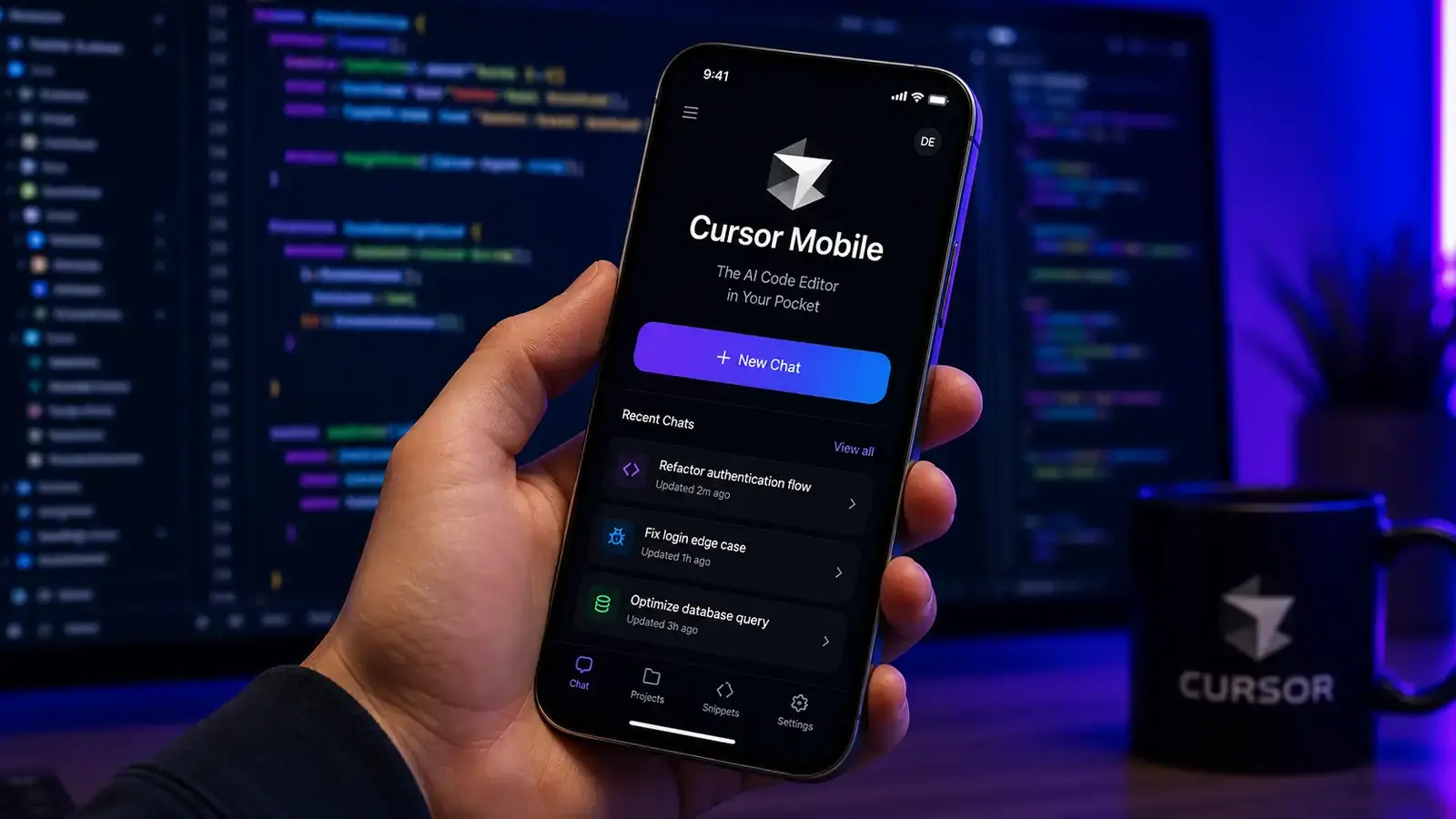
Bottom line: Cursor for iOS, released in public beta on June 29, 2026 for paid plans, is not a phone IDE. It lets you start and follow AI agents from your phone, either cloud agents that run in Cursor’s virtual machines or agents on your own computer via Remote Control, then review diffs and merge pull requests. It is most useful for developers who already delegate work to agents and want to keep it moving away from the desk.
This explainer is based on Cursor’s announcement, the Cursor for iOS documentation and 9to5Mac’s launch coverage.
What the app does
- Launch agents from a repository. Choose a repo, pick a model, describe the task (typing or voice input), and use slash commands, as on desktop.
- Cloud agents. These run in isolated virtual machines with full development environments, so they can keep working, test changes and produce demos, screenshots and logs while your laptop is closed.
- Remote Control for local agents. You can direct agents running on your own computer from the phone. Cursor’s changelog notes the computer has to stay awake and online; there is a setting to keep it awake.
- Notifications and review. Live Activities and push notifications tell you when an agent finishes or needs input. You can inspect diffs and artifacts, send follow-up instructions, and merge the PR from the app.
- Handoff. A local session can move to the cloud and back, so you can test locally before merging.
Requirements and limits
- Paid Cursor plan; public beta at launch.
- iPhone or iPad (the App Store listing and coverage cite iOS 26 or later).
- Typing detailed technical prompts on a phone is slower than on a keyboard; voice input helps but technical terms can be misheard.
- Deep code exploration, debugging and visual front-end checks still belong on a desktop.
Why mobile agent apps are appearing now
For most of the AI coding boom, assistants worked inside an editor: you typed, the model suggested, you accepted. Cloud and background agents changed that. When an agent can run for tens of minutes in its own environment, the developer’s job shifts from writing every line to assigning tasks, answering questions and reviewing results. Those are activities that fit a phone. Cursor for iOS is built around that loop: start, get notified, review, merge.
How it compares with similar apps
Cursor is not alone. Several vendors now offer mobile access to coding agents:
| Product | Mobile access | What you can do |
|---|---|---|
| Cursor for iOS | Dedicated iPhone/iPad app (public beta) | Launch cloud agents, control local agents via Remote Control, review diffs, merge PRs |
| Claude Code | Claude app on iOS and Android (docs) | Cloud sessions and remote control of local sessions |
| OpenAI Codex | ChatGPT iOS app (docs) | Start cloud tasks or control a connected computer; view progress, approvals, diffs and test results |
| GitHub | GitHub Mobile (changelog) | On eligible plans, assign Copilot, Claude or Codex to issues and pull requests and follow sessions |
The practical differences are where the agent runs, which repositories and models it can use, and whether you are already paying for that ecosystem. If your team already works in Cursor on desktop, the iOS app adds the least friction; if your workflow centres on GitHub issues, assigning agents from GitHub Mobile may be simpler.
Security considerations
Starting agents from a phone means a lost or shared device could be used to trigger code changes. Use a device passcode and biometric lock, keep branch protection and required reviews on important repositories so that a merge from mobile still passes checks, and be careful with Remote Control on machines that hold production credentials.
Who it suits
- Tech leads and senior developers who spend much of their time reviewing work.
- On-call engineers who want an agent to start investigating an incident before they reach a laptop.
- Teams already using cloud agents for well-scoped tasks.
It is less useful for beginners who need tight, interactive feedback, or for work that depends on running and inspecting a UI.
Practical tips
- Keep phone-launched tasks small and specific; name files, constraints and the test to run.
- Prefer cloud agents when you will be away for a while, so the work does not depend on your computer staying online.
- Review generated diffs and artifacts carefully before merging from a small screen; when in doubt, hand the session back to your computer.
FAQ
Is there an Android version? Cursor’s announcement covers an iOS public beta; check Cursor’s own updates for other platforms.
Does it work when my computer is off? Cloud agents run in Cursor’s virtual machines and do not depend on your computer. Remote Control of local agents needs your computer awake and online.
Does it cost extra? According to the announcement, the iOS app is available on all paid plans; agent runs still use your plan’s usage.
Reader Dispatches
No reader responses yet. Share your technical perspective below.
Related Posts
Cursor IDE Review: The AI Coding Tool SpaceX Bought for $60 Billion
SpaceX's $60 billion acquisition of Cursor's parent company Anysphere sent shockwaves through the dev community. This review tests Cursor's features, pricing, and how it stacks up against Claude Code and GitHub Copilot.
AI Edge Gallery on Mac Review: Local Gemma 4, Zero Setup
Google's AI Edge Gallery hit the Mac on June 4 with five Gemma models on board. Here is the hardware floor, what stands out, and who should install it.
AI Code Review Tools Compared: GitHub Copilot, Cursor Bugbot, CodeRabbit and Amazon Q Developer
How four AI pull-request reviewers differ in workflow, integration, configuration and pricing model, based on each vendor's documentation, plus a checklist for running your own trial.