Adobe's Project Indigo Now Critiques Your Photos — and the AI Is Surprisingly Opinionated
Adobe's experimental camera app adds LLM-powered photo critique, one-tap object removal, and style transfer. But the real story is why the former Pixel camera lead is betting against prompt-based editing.
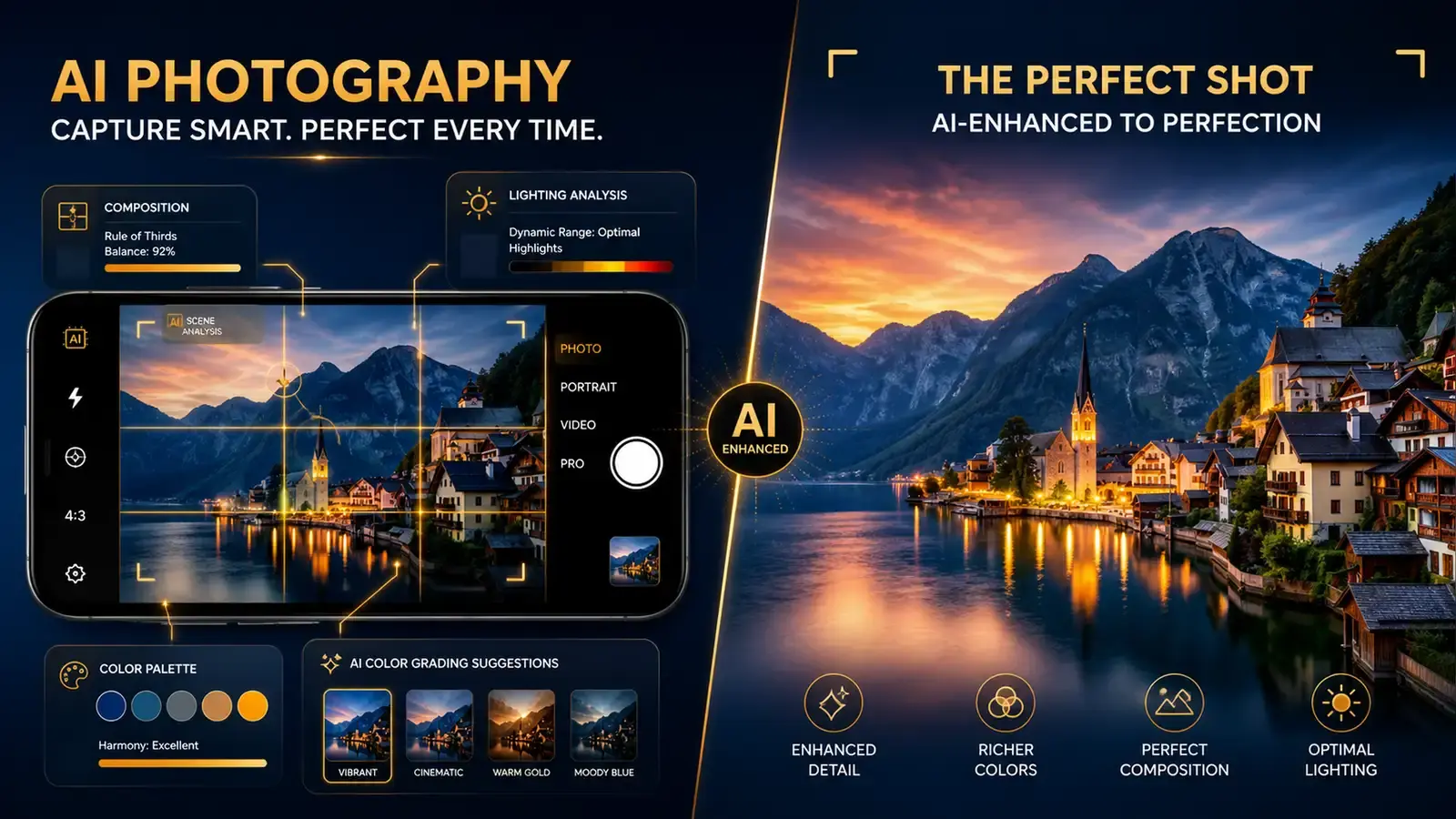
Adobe’s experimental iOS camera app, Project Indigo, just got a set of AI features that do something most camera apps don’t: they tell you what’s wrong with your photo and how to fix it. Not in the polite, generic way that Google’s Camera Coach suggests you “try a different angle.” Project Indigo’s new critique feature uses a large language model to analyze framing, lighting, color balance, and even the emotional impact of your shot — then delivers an opinion in plain language.
The feature set is the latest from Marc Levoy, the former Google engineer who built the computational photography chops behind Pixel phones. Levoy joined Adobe in 2023, and Project Indigo has been his playground for testing ideas that sit somewhere between camera hardware and AI editing software. The new update, which TechCrunch detailed this week, pushes the app further into a space that no other camera tool is really occupying: the AI as photography coach.
The critique that actually says something
Google’s Camera Coach, which shipped with Pixel phones last year, offers framing suggestions like “step back” or “center the subject.” Useful, but generic. Project Indigo’s critique goes deeper. It parses the composition, checks the lighting distribution, evaluates color harmony, and produces a paragraph of feedback that reads more like a photography instructor’s notes than an automated tip.
Levoy’s rationale is that generative AI tools have become too reliant on prompt-based interfaces, where the user has to figure out what to ask for. “Finding the perfect prompt to tweak a photo or get the right result can be a tricky endeavour,” he told TechCrunch. The alternative, built into Project Indigo, is a set of deterministic buttons that produce predictable outputs — critique, remove objects, add depth of field, apply a style — without the user having to guess what the AI needs to hear.
Whether you find the AI’s opinion useful is a separate question. It might tell you the lighting is flat or the composition is unbalanced, and you might disagree. But at least it has an opinion. That alone makes it more interesting than most AI camera features, which tend to be invisible or overly polite.
There’s also an educational dimension here that most camera apps ignore. When the critique tells you “the subject is too centered, try following the rule of thirds” and shows you where the grid lines should fall, you’re learning a compositional principle that applies to every photo you’ll take afterward. When it flags that your white balance is too cool and explains why, you’re absorbing color theory without opening a textbook. This is the kind of ambient learning that good tools do naturally — users get better at photography without ever deciding to “study photography.”
The risk is that the critique becomes noise. If every photo triggers a paragraph of AI feedback, users will tune it out. Adobe needs to figure out when the critique is genuinely helpful versus when it’s just filling space. The current implementation in the experimental app doesn’t seem to have solved this yet, but it’s an early version, and the direction is promising.
Object removal that doesn’t need your finger
Object removal in photos has been around for years across Apple Photos, Google Photos, and Adobe’s own Photoshop. The friction has always been the same: you have to circle or draw on the object you want gone, and the results depend on how accurately you traced it.
Project Indigo replaces that with toggles. Instead of drawing, you tap a button to remove “people in background,” “trash and trash cans,” “wires and poles,” “fences,” or “vehicles.” There’s also a custom text field where you can describe what to remove in natural language. The AI identifies the objects, masks them, and fills the background — and according to TechCrunch’s testing, the results are “pretty impressive,” with no strange artifacts even when removing a person and the object they were holding from a busy background.
This is a meaningful UX shift. Drawing around objects on a phone screen is tedious and imprecise — your finger covers the very thing you’re trying to select, and on smaller screens the margin for error is essentially zero. Tapping a toggle is one motion, and the AI handles the identification and masking. If Adobe can make this work reliably across a wide range of photos, it changes the baseline for what people expect from mobile photo editing.
The custom text field for object removal adds another layer. Instead of “remove the trash can,” you could type “remove the red backpack on the bench” and get a targeted result. This hybrid approach — toggles for common objects, text for anything else — covers more ground than either method alone. The question is whether the model consistently identifies the right object from a natural language description. Early results look promising, but Adobe hasn’t released any systematic benchmarks, so the reliability across diverse photo conditions is still an open question.
Style transfer, depth of field, and the prompt trap
The update also adds AI-generated depth of field — simulating a blurred background on photos that were taken without a portrait mode — and a style transfer feature that can turn your photo into watercolor, pen and ink, monochrome, or a backlit silhouette. Some of these effects are reminiscent of the Prisma app’s early days, though the outputs are more refined thanks to newer models. Style transfer as a concept has been around for nearly a decade — Prisma launched in 2016 and was briefly the most downloaded app in multiple countries — so it’s worth asking why Adobe is still investing in it. The answer might be that the underlying models have improved enough to produce results that feel genuinely different from the 2016-era filters. Or it might just be a checkbox feature. Either way, it’s the least interesting part of this update.
There is a prompt-based editing mode too, despite Levoy’s reservations about that approach. Users can describe what they want in natural language — “make the sky more dramatic” or “warm up the skin tones” — and the app attempts to execute. Levoy acknowledged that this is “a potential road to slopland,” and he’s not wrong. Prompt-based editing is powerful but unpredictable; the same prompt on two different photos can produce wildly different results, and the iteration cycle of typing, evaluating, and retyping is slower than a well-designed button.
The push-pull between deterministic tools and open-ended prompts is the real tension inside Project Indigo. Levoy clearly favors the former. The critique, the object-removal toggles, the depth-of-field generation — these all produce consistent, repeatable results. The prompt mode is there because users expect it, but it feels like a concession rather than the centerpiece.
The Gemini connection
Under the hood, Adobe is using Google’s Gemini model — specifically a variant called Nano Banana — to power these features. It’s an interesting choice. Adobe has its own Firefly models for generative AI, and the company has positioned Firefly as its flagship AI platform. Using Gemini for Project Indigo suggests that Adobe is willing to shop around for the best model per task rather than forcing everything through Firefly, which is a pragmatic approach that more companies should adopt.
The arrangement also highlights the increasingly blurred lines between AI model providers and application builders. Google provides the model. Adobe provides the interface, the design sensibility, and the integration with its creative ecosystem. The user gets the benefit of both without having to care about which company’s model is doing the work — which is exactly how infrastructure should work.
Verdict: A lab experiment worth watching
Project Indigo is still an experimental app, not a product you can find on the App Store. Adobe uses it as a testbed for features that may eventually find their way into Lightroom, Photoshop Camera, or other Adobe products. That means the features here are rougher, more opinionated, and less polished than what Adobe would ship to millions of users — which is also what makes them more interesting. Experimental software gets to take risks that shipping products can’t afford.
The photo critique feature is the standout. It’s the one thing here that doesn’t have an obvious equivalent in any other camera or editing app. If Adobe can make the critique useful without being annoying — and figure out how to surface it at the right moment without interrupting the act of taking photos — it could become a genuine differentiator. Most people who take photos with their phones have no formal photography training. A tool that teaches them, in real time and in their own photos, has real value.
The object removal and depth-of-field features are excellent implementations of existing ideas, but they’re not new ideas. The style transfer is fun but forgettable. The prompt-based editing is a trap that Adobe itself seems ambivalent about.
Project Indigo’s real importance is as a signal of where Adobe thinks AI-assisted photography is heading: not toward fully automated image generation, but toward tools that help people take and edit better real photos. That’s a direction worth rooting for. Photography tools should make photographers better, not replace them — and Project Indigo, for all its rough edges, gets that right.
There’s a broader lesson here about AI product design. The industry spent 2023 and 2024 building chatbots and prompt boxes for everything, and Project Indigo is one of the first high-profile experiments to push back. Levoy’s team is arguing, implicitly, that the best AI features are the ones that don’t ask you to write an essay to get a result. They’re buttons, toggles, and automated analyses that work in the background. The critique feature doesn’t need you to ask “what’s wrong with this photo?” — it just tells you. The object removal doesn’t need you to describe what to delete — you tap a toggle.
Whether this philosophy wins out over the prompt-everywhere approach is an open question. But if Project Indigo’s features eventually make their way into Lightroom or a shipping Adobe camera app, it’ll be a meaningful data point in favor of the view that AI is most useful when it’s most invisible.
Reader Dispatches
No reader responses yet. Share your technical perspective below.
Related Posts
Runway Media Router Review: Smart Model Routing Comes to Generative Media
Runway's new Media Router automatically picks the best image, video, or audio model based on quality, speed, and cost. Here's how it works, who it's for, and what it says about where the generative AI industry is heading.
July 2026 AI Model Releases Compared: GPT-5.6, Grok 4.5, Muse Spark 1.1 and GLM-5.2
OpenAI's GPT-5.6 family, Grok 4.5, Meta's Muse Spark 1.1 and Z.ai's open-weight GLM-5.2 arrived within weeks of each other. What each vendor announced, official pricing, availability, and the GhostApproval security disclosure, with sources.
Kiro, AWS's AI Code Editor: Spec-Driven Development, Pricing Tiers and How It Compares
What Kiro is, how its specs, steering and hooks work, what its pricing tiers look like, and how it compares with Cursor, Claude Code and GitHub Copilot, based on official documentation.