Kiro, AWS's AI Code Editor: Spec-Driven Development, Pricing Tiers and How It Compares
What Kiro is, how its specs, steering and hooks work, what its pricing tiers look like, and how it compares with Cursor, Claude Code and GitHub Copilot, based on official documentation.
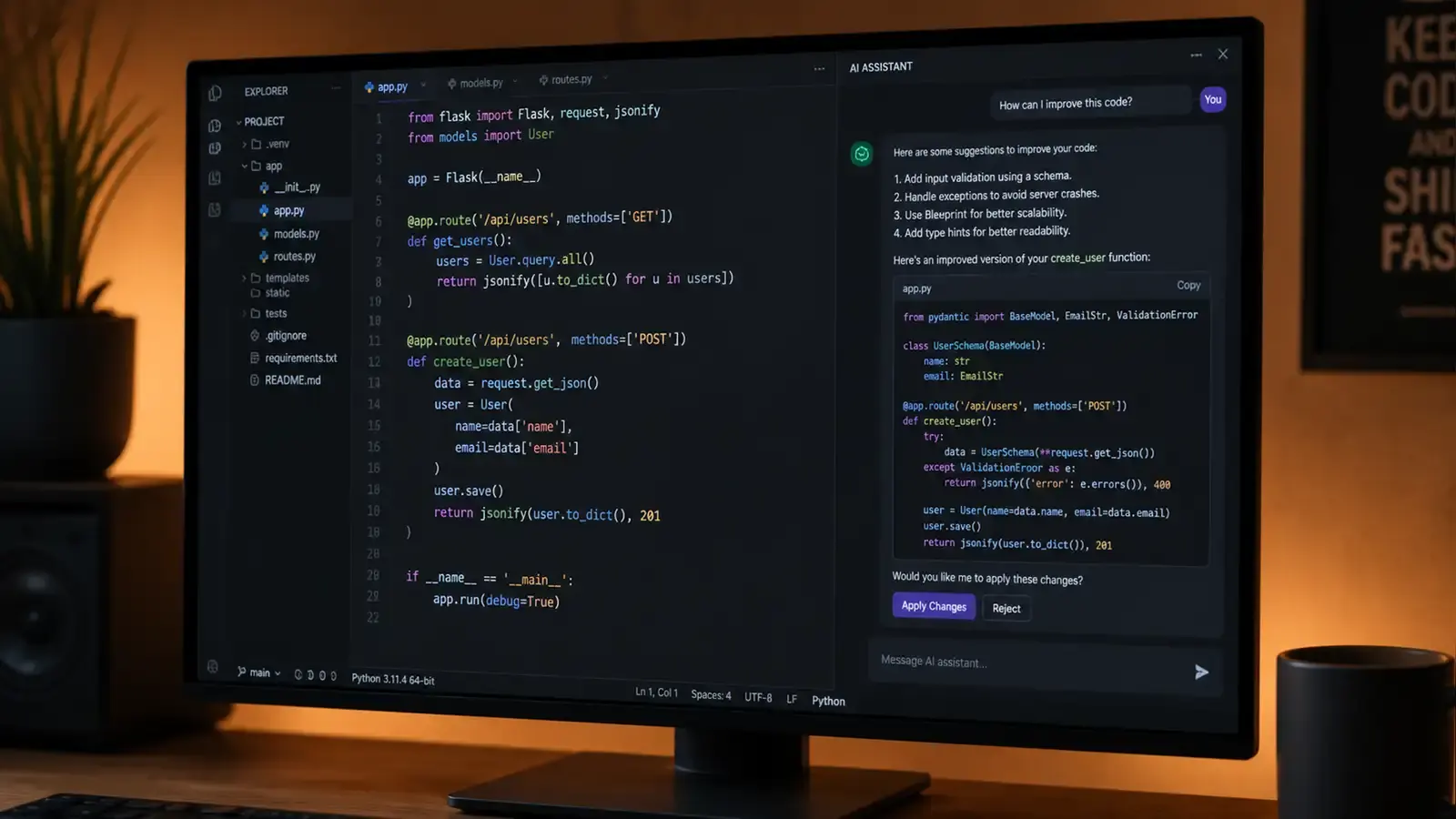
Bottom line: Kiro is an agentic IDE from AWS, built on Code OSS (the open-source base of VS Code). Its distinguishing idea is spec-driven development: before writing code, the agent produces requirements, a design and a task list you can review. Pricing is tiered, from a free tier to a $200-per-month Power plan, with credits that vary by model. It is worth evaluating if you want more structure around AI changes; developers happy with Cursor, Claude Code or Copilot should compare on workflow rather than expect a different class of capability.
This article is based on Kiro’s launch post, its documentation and its pricing page as of October 2026. It does not include first-hand benchmark results.
What Kiro is
Kiro was introduced in July 2025 as an AI IDE that aims to take projects “from prototype to production”. Because it is built on Code OSS, VS Code users get a familiar interface, settings and many compatible extensions. Kiro subscriptions also cover the Kiro CLI and web interface, according to the pricing FAQ.
The core features
Specs. Specs turn a prompt into three documents: requirements (written as user stories with acceptance criteria), a technical design, and a sequenced task list. You review and edit these before the agent implements tasks. The aim is to catch misunderstandings before they become code.
Steering. Steering files store project knowledge (product context, tech stack, conventions) so the agent follows them consistently.
Hooks. Agent hooks trigger agent actions on events such as saving a file, for example updating tests or documentation automatically.
Vibe mode. For quick, exploratory work you can chat with the agent without the spec process.
A closer look at the spec workflow
According to the Specs documentation, every spec produces three files: requirements (user stories with acceptance criteria, or a bug analysis), a design document covering architecture, sequence diagrams and implementation considerations, and a task list of discrete, trackable steps. There are two spec types:
- Feature specs, with a Requirements-First or Design-First variant depending on whether you start from behaviour or architecture.
- Bugfix specs, which describe current, expected and unchanged behaviour so the fix does not break what already works.
When you run all tasks in a spec, Kiro works out which tasks depend on each other and runs independent tasks concurrently in “waves”. Waves execute in sequence, and tasks within a wave execute in parallel. The task list updates in real time as tasks move to in progress or completed, which makes progress easy to review.
Hooks and steering in practice
Hooks run either a shell command or an agent prompt when an event happens, for example when the agent edits a file, invokes a tool or completes a task. Typical uses include running a linter or type check after file changes, blocking a tool call until preconditions are met, or creating tests and documentation when new source files appear. A matcher, such as a regex on the file path, limits when each hook fires.
Steering files are Markdown files with persistent project knowledge. They can be scoped to a workspace or set globally; when instructions conflict, workspace steering takes priority. The documentation notes that teams can distribute global steering files centrally, for example through device-management tools, so every developer’s agent follows the same standards.
Pricing
According to the pricing page, Kiro has a free tier with 50 credits, and paid plans of Pro ($20 per user per month), Pro+ ($40), Pro Max ($100) and Power ($200). Work is metered in credits, different models consume credits at different rates, and paid plans can buy add-on credits. By default prompts go to “Auto”, which mixes models; you can also choose specific models from Anthropic, OpenAI and open-weight providers. Prices exclude tax and may change.
How it compares
| Kiro | Cursor | Claude Code | GitHub Copilot | |
|---|---|---|---|---|
| Interface | Code OSS-based IDE, CLI, web | VS Code-based editor | Terminal, IDE integrations | Extension for many editors, GitHub |
| Distinctive approach | Specs, steering, hooks | Tab prediction, Agent, rules | Agentic work from the terminal | Deep GitHub integration |
| Docs | kiro.dev | cursor.com/docs | Claude Code | GitHub Docs |
Who should try it
- Teams that want AI changes to start from reviewable requirements and design, for example in regulated or larger codebases.
- VS Code users who want an agentic IDE without leaving a familiar environment.
- Teams on AWS who want a tool from the same vendor with enterprise billing through AWS.
Limits to keep in mind
Specs add process. For small fixes they can be slower than a direct edit, which is why vibe mode exists. And like every AI coding tool, Kiro’s agent can misread context or produce code that compiles but does the wrong thing, so tests and code review remain essential. The free tier is the cheapest way to see whether the spec workflow fits your team.
FAQ
Do I need an AWS account? According to the pricing page, individuals can sign in with a social login or AWS Builder ID; enterprise plans are managed through AWS IAM Identity Center.
Can I choose the model? Yes. “Auto” picks models by default, but you can select a specific model; different models consume credits at different rates.
Do unused credits roll over? Monthly plan credits reset each month; add-on credits, according to the FAQ, remain usable for a longer period.
Reader Dispatches
No reader responses yet. Share your technical perspective below.
Related Posts
Cursor AI Editor in 2026: Features, Limits and How It Compares
An overview of Cursor's main AI features (Tab, inline edit, Agent, rules, codebase context), their known limitations, and how it compares with Copilot, Kiro and Claude Code, based on official documentation.
Claude Cowork Review: Anthropic's Agent Goes Mobile and Learns by Watching You Work
Claude Cowork now runs on your phone, keeps working when you close your laptop, and can learn new tasks by watching your screen recordings. Here's what actually works and what doesn't.
AI Code Review Tools Compared: GitHub Copilot, Cursor Bugbot, CodeRabbit and Amazon Q Developer
How four AI pull-request reviewers differ in workflow, integration, configuration and pricing model, based on each vendor's documentation, plus a checklist for running your own trial.