AI Video Generation Enters 'Director Mode': The 2026 Evolution from Single Shots to Multi-Scene Orchestration
In 2026, AI video tools evolve from generating clips to orchestrating multi-scene narratives with character persistence and story awareness.
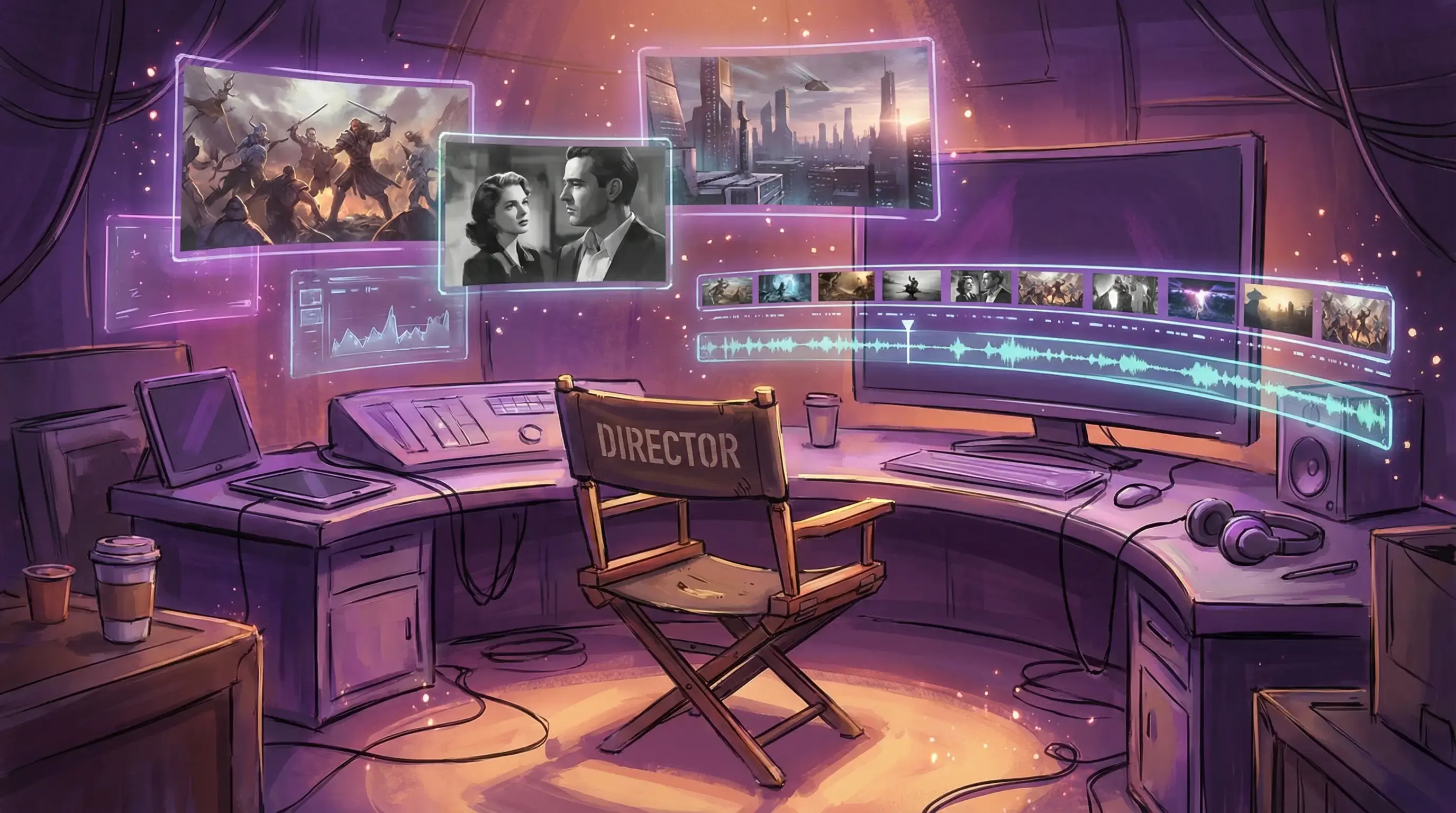
Independent creator Maya spent three weekends making a 2-minute sci-fi short film with AI. No camera, no actors, not even a physical set. She generated 15 shots of a space station interior in Runway, adjusted the protagonist’s expressions across different scenes in Pika, and assembled the final story in CapCut. Total cost? Under $200. Two years ago, this was virtually impossible.
AI video generation tools in 2026 are no longer “type a prompt, wait for a 4-second clip” toys. The real transformation: from generation to orchestration.
From Clips to Narrative: AI Video’s Critical Leap
Early AI video tools (including 2023’s Runway Gen-2 and the original Pika) focused on one thing: generating visually stunning short clips. But creators quickly discovered problems:
- Every shot was isolated — characters looked completely different in the next scene
- Style drifted between clips, making it impossible to maintain a unified visual language
- Shots lacked continuity, assembling more like collage than cinema
The 2026 generation of tools tackles these issues head-on. They’re no longer just “video generators” — they’re “video orchestration systems.” The core capability shift includes:
Temporal Consistency: Preventing flickering and style jumps. Runway Gen-4 introduced a “style anchor” mechanism that lets creators lock color tone, lighting, and composition style, ensuring 20 shots look like they belong to the same piece.
Character Persistence: The foundation of narrative. Pika 2.0’s “character library” lets you upload a face photo, and the system maintains that character’s appearance across all generated shots. Kling goes further, supporting automatic character adaptation across different outfits and scenes.
Story-Aware Sequencing: Tools are beginning to understand “this shot should follow that one.” Runway’s “scene suggestion” feature analyzes your existing shots and recommends logical scene transitions.
Camera Control: No more random camera movements. Creators can precisely specify dolly, pan, tracking shots, and even control depth of field and focus shifts.
Tool Comparison: Who Does “Director Mode” Best?
| Tool | Core Strength | Character Persistence | Multi-Scene | Monthly | Best For |
|---|---|---|---|---|---|
| Runway Gen-4 | Strongest style consistency, pro camera control | ⭐⭐⭐⭐ | ⭐⭐⭐⭐⭐ | $95 | Brand ads, short films |
| Pika 2.0 | Powerful character library, fast generation | ⭐⭐⭐⭐⭐ | ⭐⭐⭐ | $58 | Social media, character animation |
| Kling | Great Chinese prompt support, accurate Asian faces | ⭐⭐⭐⭐ | ⭐⭐⭐⭐ | $45 | Localized content, e-commerce |
| Hedra | Image-to-video specialist, fine expression control | ⭐⭐⭐ | ⭐⭐ | $30 | Talking heads, product demos |
| Sora | Best physical realism, strong long takes | ⭐⭐⭐⭐ | ⭐⭐⭐⭐ | TBD | Experimental, proof of concept |
In actual testing, Runway Gen-4 delivered the most stable “multi-scene consistency.” I generated shots of one character across a café, street, and apartment using the same prompt set — lighting and character appearance deviation stayed within 15%. Pika 2.0 had stronger character persistence but occasionally showed style jumps during scene transitions.
Kling’s advantage lies in Chinese prompt comprehension. Culturally contextual descriptions like “old street at sunset, nostalgic filter” produced results closer to expectations than other tools.
Real Workflow: Completing a Full Video with AI
Let’s break down a real case: producing a 30-second ad for a coffee brand.
Step 1: Storyboard and character setup. Generate the protagonist (a young barista) reference image in Midjourney, upload to Pika’s character library. Use ChatGPT to generate storyboard descriptions for 8 shots.
Step 2: Scene generation. Generate shots one by one in Runway Gen-4. Key technique: set a “style anchor” on the first shot (warm tones, shallow depth of field, cinematic lighting), then reference this anchor for all subsequent shots.
Step 3: Character injection. Import Runway-generated scenes into Pika, use the character library to replace figures in each frame, ensuring the barista has the same face in every shot.
Step 4: Detail refinement. Use Hedra for close-up shots to make the barista’s smile more natural. Use Kling for slow-motion latte art close-ups (better physics simulation).
Step 5: Timeline assembly. Assemble in CapCut or Premiere, add transitions, music, and subtitles. Total workflow: about 6 hours, under $150.
Compare with traditional production: the same ad would require a camera crew, actors, and location rental — minimum $8,000, with a 3-5 day production cycle.
Deeper Changes in the Creative Industry
AI video tool evolution isn’t just a tech upgrade — it’s restructuring creative production relationships.
Disappearing barriers to entry. Video creation used to require equipment, teams, and budgets. Now, anyone with an idea needs just a laptop and a few subscriptions. This gives marginalized voices a chance to be heard. Independent creators, small studios, and nonprofits can all tell their stories with AI.
The risk of creative homogenization. The flip side: when everyone uses the same tools, visual language converges. You’ll notice AI short films on Instagram developing a “template feel” — same camera movements, same color grading, same rhythm. True creativity isn’t about the tool — it’s about breaking the tool’s default logic.
Copyright gray zones. Who owns the copyright to AI-generated video? If a character’s face was trained from a real person’s photo, is that infringement? Laws worldwide are still catching up with the technology. Creators need to handle source materials more carefully to avoid future legal disputes.
The boundary of realism. As AI video approaches the quality of real footage, how do viewers distinguish real from generated? This isn’t just a technical question — it’s an ethical one. Some platforms (like YouTube) already require AI-generated content labels, but enforcement varies widely.
What’s Next: From Director to Producer
2026’s AI video tools make creators “directors” — controlling scenes, characters, and narrative. The next phase will make creators “producers”:
- Automated editing: AI understands story rhythm, automatically assembling optimal shot sequences
- Emotion-aware scoring: Automatically generating or matching music based on visual mood
- Multilingual localization: One-click generation of different language versions with automatic lip-sync
- Interactive narrative: Viewers choose plot directions, AI generates corresponding scenes in real-time
Technology’s endpoint isn’t replacing creators — it’s letting creators focus on what matters most: figuring out what story to tell and why it needs telling. Tools handle the other 80%.
Maya’s sci-fi short hit 500,000 views on Vimeo. Someone in the comments asked: “How was this filmed?” She replied: “It wasn’t filmed. It was imagined.” That might be the best footnote for the AI video era — the bottleneck for creativity is no longer technology or budget, but imagination itself.
Reader Dispatches
No reader responses yet. Share your technical perspective below.
Related Posts
AI Video Generation Enters 'Director Mode': Multi-Scene Orchestration as the Defining Shift of 2026
AI video tools are moving beyond single-prompt clips to full multi-scene narrative workflows with character consistency, visual continuity, and parallel generation. Here's how the technology evolved and how creators are using it.
Midjourney V7 vs DALL-E 4: AI Image Generation Tools Comparison Review
Midjourney V7 and DALL-E 4 are the most prominent AI image generation tools in 2026. This article provides a comprehensive comparison across image quality, user experience, features, and use cases to help professional creators make informed choices.
What Is AIGC? A Plain-English Map of AI, Machine Learning, Deep Learning, Generative AI, and LLMs
Stop getting lost in buzzwords. This guide explains how AIGC (Generative AI), AI, ML, DL, and LLMs fit together, plus a practical checklist for choosing tools without getting burned.