Claude Cowork Review: Anthropic's Agent Goes Mobile and Learns by Watching You Work
Claude Cowork now runs on your phone, keeps working when you close your laptop, and can learn new tasks by watching your screen recordings. Here's what actually works and what doesn't.
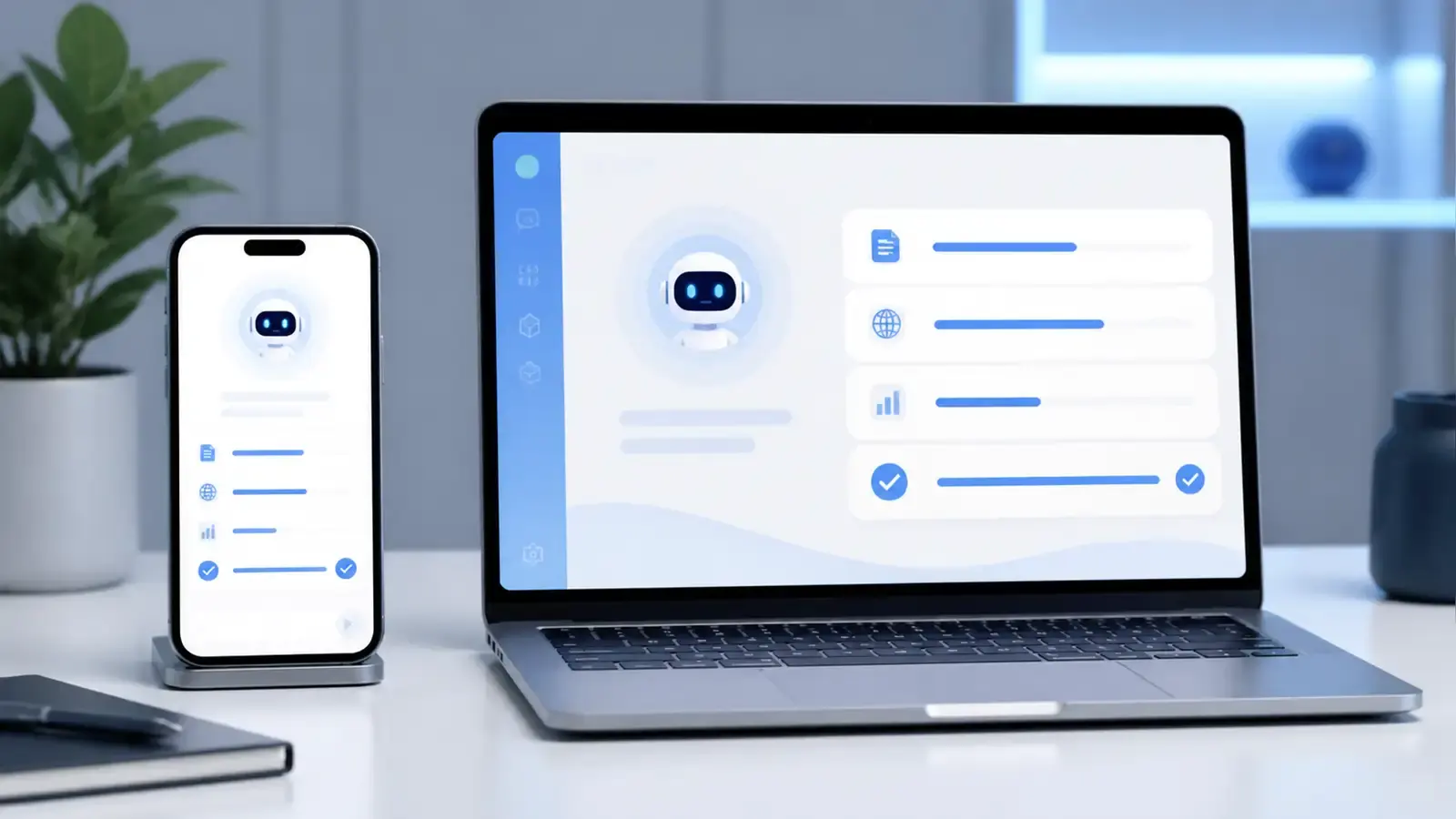
Anthropic has been quiet about Claude Cowork since its desktop launch earlier this year. While OpenAI shipped Codex features weekly and Microsoft kept adding Copilot capabilities to every product in its ecosystem, Cowork sat mostly unchanged — a capable but stationary agent that only worked when your laptop was open and the desktop app was running.
That changed in July. Anthropic rolled out mobile and web access, added a feature that lets you teach Claude new tasks by recording your screen, and quietly made Cowork one of the most practical AI agents available. The question isn’t whether Cowork is good. It’s whether it’s good enough to justify $20 to $200 a month when alternatives exist.
What Cowork Actually Does
Cowork sits between Claude’s chat interface and the developer-focused Claude Code. It’s an agent that works across your files, calendar, email, and messaging apps to complete multi-step tasks. Think of it as a digital assistant that doesn’t just answer questions — it takes action.
The core workflow is straightforward. You describe what you want done, and Cowork figures out the steps. Need a weekly report compiled from email threads, Slack messages, and a spreadsheet? Cowork pulls the data, organizes it, and drafts the report. Need to prepare for a client meeting? Cowork reads the email chain, checks your calendar, pulls relevant documents, and builds a briefing.
The key differentiator is background execution. Close your laptop, go to a meeting, and Cowork keeps working. Scheduled tasks run without your device being online. When Cowork reaches a decision only you can make — approving a draft, choosing between options — it sends the question to your phone. You respond, and Cowork continues on the right path.
This sounds simple, but it changes how you interact with AI. Instead of babysitting a chat window while the AI works, you set a task and check back when it’s done or when it needs your input. The trust model is different from most AI tools: nothing ships until you’ve reviewed and approved it, but the work happens whether you’re watching or not.
The Record a Skill Feature
The most interesting addition is Record a Skill, launched in late July. Instead of describing a task in natural language, you record your screen while completing it and narrate what you’re doing via voice. Cowork watches the recording, identifies the steps, and converts it into a reusable skill.
The feature is accessible through the ”+” menu in the Cowork workspace. You hit record, do the task — filling out a form, running a report, organizing files — and talk through your process. When you stop recording, Cowork creates a skill that can run the same task automatically next time.
This addresses one of AI agents’ biggest limitations: the gap between what you can describe and what you actually do. Most people can’t write detailed prompts for complex workflows, but they can show someone how they do it. Record a Skill turns that show-don’t-tell instinct into a repeatable automation.
OpenAI offers a similar feature in Codex, which can also record workflows and replay them as reusable skills. The difference is that Codex is developer-focused, while Cowork’s Record a Skill works with any desktop application — email clients, spreadsheets, browsers, internal tools. You don’t need to write code or configure anything.
Mobile and Web Access
Before July, Cowork only worked in the desktop app. If you started a task at your desk, you had to stay at your desk to monitor it. The mobile and web expansion means your work follows you.
On mobile (iPhone, iPad, Android), Cowork appears in the sidebar of the Claude app. You can check on running tasks, respond to decision requests, and review completed work from your phone. On the web, Cowork is accessible through claude.ai alongside the regular chat interface.
Anthropic merged Chat and Cowork into a single home tab on web and desktop — one sidebar, one search, one place for your Projects and Artifacts. This is a smart design choice. Splitting chat and agent into separate products creates confusion about which one to use. Merging them means you can start a conversation and escalate to an agent task without switching tools.
The mobile experience is functional but limited. You can monitor and respond to Cowork’s requests, but you can’t initiate complex tasks from your phone the way you can from the desktop. The phone is for oversight, not creation. This makes sense — complex workflows need a larger screen and keyboard — but it means Cowork is still primarily a desktop tool that you can check on from your phone.
How It Compares to Claude Code
If you’re already using Claude Code, you might wonder why Cowork exists. The answer is audience. Claude Code is built for developers who work in terminals, write code, and think in terms of files and functions. Cowork is built for everyone else — project managers, analysts, marketers, executives — people who work in browsers, spreadsheets, and email clients.
Claude Code excels at code generation, debugging, and refactoring. It can read your entire codebase, understand architecture decisions, and make changes across multiple files. Cowork can’t do any of that. What Cowork can do is pull data from your email, cross-reference it with your calendar, and draft a response — tasks that require broad access to your digital life rather than deep understanding of a codebase.
The two tools are complementary, not competing. A developer might use Claude Code for coding during the day and Cowork for scheduling and email management. A non-technical manager might only need Cowork. Anthropic’s decision to keep them separate while sharing the same underlying model makes sense: different users need different interfaces for the same intelligence.
Pricing and Competition
Cowork is included in existing Claude subscriptions: Pro at $20/month, Max at $100 or $200/month, and Team at $25 to $30 per user per month. There’s no free tier, and no standalone Cowork subscription.
Compared to competitors, the pricing is competitive. Microsoft 365 Copilot costs $30/user/month on top of an existing M365 license. ChatGPT Business runs $20 to $25/user/month. Google’s Gemini for Workspace is bundled into Workspace tiers but doesn’t offer the same agent capabilities.
The real comparison isn’t price, though — it’s capability. Microsoft Copilot has deeper integration with Office apps and enterprise workflows. ChatGPT has broader knowledge and a larger ecosystem. Cowork’s advantage is the agent model: background execution, cross-app task completion, and the Record a Skill feature that makes it accessible to non-technical users.
What Works and What Doesn’t
The background execution is genuinely useful. Being able to start a task, close your laptop, and come back to a finished product changes your relationship with AI assistants. It moves from “I’m working with an AI” to “I delegated to an AI and it did the work.”
Record a Skill works well for repetitive desktop tasks. If you fill out the same form every week, or run the same report from the same sources, recording the process once and letting Cowork repeat it saves real time. The voice narration makes it accessible — you don’t need to write instructions, just explain what you’re doing.
The limitations are real. Cowork struggles with tasks that require judgment calls beyond simple binary decisions. If a task requires comparing three options and choosing the best one based on subjective criteria, Cowork will ask you — which is the right behavior, but it means the agent can’t fully automate complex decision-making. The mobile experience is also limited; you can monitor but not meaningfully create.
There are also trust issues. Cowork accesses your email, calendar, files, and messaging apps. Anthropic says nothing ships without your approval, but the breadth of access is significant. For personal use, this is probably fine. For enterprise environments with strict data governance policies, it raises questions about where data is processed and who can see it.
One practical issue: Cowork’s performance depends heavily on how well your digital life is organized. If your email is a mess, your calendar has no structure, and your files are scattered across five different cloud services, Cowork will struggle to pull coherent information. The agent is only as good as the data it can access, and messy input produces messy output.
Real-World Use Cases
The best way to evaluate Cowork is to think about specific tasks you do repeatedly. Here are three scenarios where it genuinely earns its subscription cost.
First, weekly status reports. If you spend 30 minutes every Friday pulling data from email, Slack, and project management tools to write a status update, Cowork can do it in the background. You set the task on Thursday afternoon, and by Friday morning the draft is waiting for your review. At 30 minutes per week, that’s over 25 hours per year you get back.
Second, meeting preparation. Before a client meeting, you need to review the last email exchange, check what was discussed in the previous meeting, and pull relevant documents. Cowork can gather all of this, organize it chronologically, and create a briefing document. The quality depends on how well-organized your files are, but for straightforward prep work, it saves real time.
Third, data aggregation. If you need to combine information from multiple sources — say, pulling sales figures from a spreadsheet, customer feedback from email, and support tickets from a CRM — Cowork can do the extraction and initial analysis. You still need to interpret the results, but the tedious work of gathering and formatting is automated.
These aren’t glamorous use cases. They’re the mundane, repetitive tasks that eat up hours every week. That’s exactly the point. Cowork isn’t trying to replace creative thinking or complex decision-making. It’s trying to eliminate the busywork that prevents you from doing the things that actually matter.
The Bottom Line
Claude Cowork is the most practical AI agent for knowledge workers who aren’t developers. The Record a Skill feature makes it accessible to people who can’t write code or detailed prompts. The mobile expansion means it’s not chained to your desk. The background execution model is genuinely different from the chat-first approach that most AI tools use.
It’s not perfect. The pricing is higher than basic AI chat subscriptions, the mobile experience is limited, and the trust model needs more transparency for enterprise adoption. But for individual users who want to automate repetitive tasks without learning to code, Cowork is currently the best option available.
The real test is whether Cowork saves you time on tasks you actually do regularly. If it does, the $20/month Pro plan pays for itself quickly. If your tasks are too complex or too judgment-heavy for an agent to handle, you’re paying for a tool that mostly watches you work.
Reader Dispatches
No reader responses yet. Share your technical perspective below.
Related Posts
Claude vs Gemini 2026: Smarter Model or Better Product?
PCMag's new head-to-head says Claude still thinks better and codes better, while Gemini wins on price, integrations, and the $5 plan. Here's the practical split.
Claude Code Now Lets Sessions Talk to Each Other — and It Changes How You Build
Claude Code v2.1.224 introduced cross-session messaging and agent teams. Sessions can now coordinate, share findings, and divide work without manual copy-pasting.
Coder Put Claude Code Behind Your Firewall. Anthropic Still Runs the Loop
Sept. 15: Coder's Agent Relay runs Claude Code on your machines. Anthropic still bills and infers. Real-SWE still has Fable at 38.8% on private code.