OpenAI Prism Review: Did We Just Witness the Death of Overleaf?
OpenAI Prism is a GPT-5.2 powered LaTeX editor that wants to be your co-author. We dive into the features, privacy concerns, and whether it's time to migrate from Overleaf.
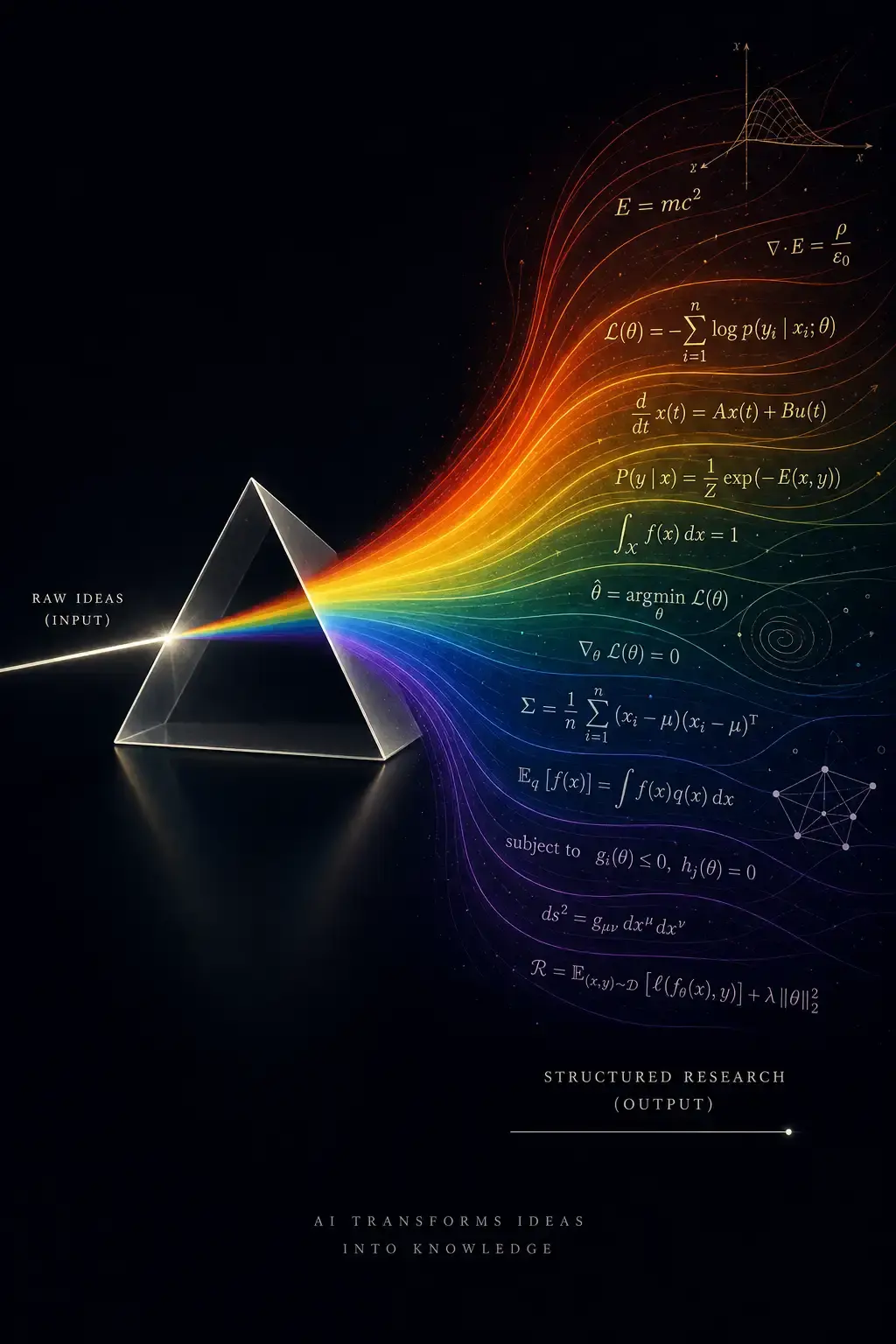
It’s January 28, 2026. If you are a researcher, a grad student, or anyone who has ever cried over a Missing $ inserted error at 3 AM, wake up. The landscape just shifted beneath your feet.
Last night, while most of the Western hemisphere was sleeping, Sam Altman and the OpenAI team dropped a nuclear bomb on the academic publishing workflow. It’s called Prism.
For the last decade, the scientific writing stack has been a fragmented mess. You write code in VS Code, draft text in Google Docs or Word, manage citations in Zotero, paste everything into Overleaf, and have ChatGPT open in a separate tab to fix your grammar. It was clunky, context-switching hell.
Prism is OpenAI’s answer to that fragmentation. It is a cloud-based, AI-native LaTeX environment powered by the new GPT-5.2. And the most aggressive part? It’s free.
I’ve spent the last six hours migrating a dummy paper into Prism to see if it lives up to the hype. Here is the deep dive.
The Core Concept: “Context is King”
The problem with using ChatGPT (even GPT-5) alongside Overleaf was context blindness. You would paste a paragraph and ask for a rewrite, but the AI didn’t know your definitions, your previous theorems, or the paper you cited three pages ago.
Prism changes the topology of the problem. It isn’t a chatbot next to your code; the AI lives inside the compiler.
How It Works Under the Hood
Based on the technical brief (and the acquisition of the cloud platform Crixet we heard rumors about last year), Prism ingests your entire project folder.
- Structure Awareness: It reads your
.texfiles, your.bibfiles, and your image assets. - Semantic Understanding: GPT-5.2 builds a knowledge graph of your specific paper. It knows that when you say “Equation 3,” you are referring to the loss function defined in the methodology section.
- Real-time Inference: The “Thinking” model runs in the background, checking for logical consistency, not just syntax errors.
This is the difference between a spell-checker and a co-author.
Killer Features: More Than Just Autocomplete
Let’s look at the features that actually matter for daily work. I tested these specifically because marketing videos always lie, but code doesn’t.
1. The “Whiteboard to TikZ” Pipeline 🎨
This is the feature that will make undergrads weep with joy. We all know TikZ is a nightmare to write by hand.
The Old Way: Spend 2 hours reading StackExchange to draw a neural network architecture.
The Prism Way:
I uploaded a crude photo of a whiteboard sketch I drew (a simple transformer architecture). I placed my cursor in the figure environment and clicked “Generate TikZ.”
The Result: Within 15 seconds, Prism generated valid, compilable TikZ code. It wasn’t perfect(the arrowheads were a bit small)but I could just say to the AI, “Make the arrowheads larger and color the attention blocks blue,” and it modified the code instantly.
Here is the code snippet it generated (simplified for brevity):
\begin{tikzpicture}[
    node distance=1.5cm,
    layer/.style={draw, rectangle, minimum width=2cm, minimum height=1cm, align=center},
    arrow/.style={->, thick}
]

% Generated by Prism AI based on image input
\node[layer, fill=blue!20] (input) {Input Embedding};
\node[layer, fill=green!20, above of=input] (attn) {Multi-Head Attention};
\node[layer, fill=red!20, above of=attn] (norm) {Add \& Norm};
\node[layer, fill=orange!20, above of=norm] (ffn) {Feed Forward};

\draw[arrow] (input) -- (attn);
\draw[arrow] (attn) -- (norm);
\draw[arrow] (norm) -- (ffn);

\end{tikzpicture}
2. The “Hallucination-Proof” Citation Manager 📚
GPT-4 was notorious for inventing papers like “A Novel Approach to X by Smith et al. (2021)” that didn’t exist.
Prism connects directly to arXiv, PubMed, and Semantic Scholar. When you type \cite{, it doesn’t just autocomplete from your .bib file; it suggests new papers based on the sentence you just wrote.
My Test:
I wrote: “Recent advances in state-space models have challenged the dominance of Transformers in long-context tasks.”
Prism immediately suggested adding citations for Mamba and RWKV, pulled the BibTeX, and inserted it into my references.bib file automatically.
3. The “Reviewer 2” Simulator 🕵️
This is where GPT-5.2 shines. You can highlight a section and ask: “Critique this as a hostile reviewer.”
I tried this on a weak methodology section. Prism didn’t hold back:
“The author claims a 5% improvement but fails to provide standard deviation across multiple seeds. The baseline comparison lacks the latest SOTA from CVPR 2025.”
It hurts, but it’s better to hear it from an AI than from a rejection letter.
The Comparison: Prism vs. Overleaf
Overleaf has been the standard for years. Is it dead? Let’s look at the data.
| Feature | Overleaf (2026 Legacy) | OpenAI Prism |
|---|---|---|
| Core Engine | Standard TeX Live | TeX Live + GPT-5.2 Neural Engine |
| Collaboration | Real-time (Google Docs style) | Real-time + AI Agent as a collaborator |
| Price | Free / Premium ($15/mo) | Free (for ChatGPT users) |
| Code Assistance | Basic Autocomplete | Full Contextual Code Generation |
| Image Gen | None | Whiteboard -> TikZ / Python Plotting |
| Offline Mode | No | No (Cloud Native) |
The Verdict: Overleaf feels like a typewriter compared to this. However, Overleaf has one massive advantage: Institutional Trust. We’ll get to that in a moment.
The “Free” Trap: Why is OpenAI Doing This?
“If you are not paying for the product, you are the product.”
OpenAI is making Prism free for anyone with a ChatGPT account. Why? Because scientific data is the most valuable training data on earth.
By moving the scientific workflow onto their servers, OpenAI potentially gains access to:
- Reasoning Traces: How scientists solve problems step-by-step.
- Unpublished Research: The cutting edge of human knowledge before it hits arXiv.
- Negative Results: The experiments that failed (which usually never get published but are gold for training AI).
While OpenAI claims strict privacy controls for Enterprise and Education users, the “Free” tier likely feeds the beast. If you are working on sensitive IP or dual-use technology, your institution’s compliance officer is probably already writing a ban memo.
Practical Guide: Migrating to Prism
If you want to try it, here is the workflow. It’s surprisingly frictionless.
Step 1: Import
You don’t need to start from scratch. Prism supports importing .zip files directly from Overleaf or GitHub.
# If you are using the CLI tool (yes, they released a CLI)
prism import ./my-thesis-project
Step 2: The “Refactor” Command
Once inside, don’t just start writing. Use the AI to clean up your legacy code. Open the chat sidebar and type:
“Refactor my preamble. Remove unused packages and consolidate macro definitions.”
I did this on an old project, and it reduced my compile time by 40% by removing three conflicting font packages I didn’t know I had.
Step 3: Voice-to-LaTeX
This is a sleeper feature. You can dictate math. I said: “Integral from zero to infinity of e to the negative x squared dx.” Prism inserted:
\int_{0}^{\infty} e^{-x^2} \, dxIt’s faster than typing, especially for heavy math notation.
Critical Analysis: The Risks
Despite the polish, there are significant risks to adopting Prism as your daily driver.
1. The “Homogenization” of Science
If everyone uses GPT-5.2 to “polish” their prose, scientific papers will start to sound identical. We are already seeing the “Explore” and “Highlight” vocabulary creep. Prism might accelerate this, stripping away the unique voice of individual researchers.
2. Vendor Lock-in
Prism is a proprietary interface over an open standard (LaTeX). If you rely on their specific AI features (like auto-generating tables from CSVs or the TikZ generator), you become dependent. If OpenAI decides to put a paywall up in 2027, you are stuck.
3. Reliability
It’s cloud-only. If OpenAI’s servers go down (which happens), you can’t write. For a deadline-driven industry like academia, this is terrifying. Local VS Code + Copilot is still the safer bet for the paranoid.
Conclusion: The Inevitable Shift
Prism isn’t just a tool update; it’s a paradigm shift.
For years, we treated AI as a post-processing step (grammar check, summary). Prism moves AI to the pre-processing and generation stage.
Should you switch?
- If you are a student: Yes. Immediately. The productivity boost is unfair. You will write papers twice as fast.
- If you are a senior researcher: Use it for the “grunt work” (formatting, bibliography, figures), but keep your hands on the wheel for the actual prose and logic.
- If you work in a secure lab: Stay away. Stick to local LaTeX compilers until the Enterprise privacy contracts are signed in blood.
OpenAI has effectively killed the “Editor” market. Now, the editor is an agent. And frankly, after seeing it generate that TikZ graph in 15 seconds, I don’t think I can go back.
References:
Disclaimer: This article analyzes a software release from January 2026. Features and policies are subject to change as the beta progresses.
Reader Dispatches
No reader responses yet. Share your technical perspective below.
Related Posts
Claude Opus 4.6 Explained: 1M Context, Benchmark Claims, Pricing and Who Should Use It
What Anthropic's Claude Opus 4.6 changed: a 1M-token context window in beta, its reported benchmark results, API pricing, new developer controls, and when it is worth using over cheaper models.
Z-Image: Why Tongyi's New 10B Parameter Model Matters for Power Users
Move over Turbo models. Tongyi-MAI's Z-Image is a 10B parameter, undistilled Single-Stream Diffusion Transformer designed for serious fine-tuning and complex workflows. Here is the deep dive.
Clawdbot: The 'Agentic' AI That Actually Does the Work (And Why It Scares Me)
Move over, chatbots. Clawdbot is an open-source agent that lives on your Mac, controls your terminal, and texts you back on WhatsApp. Here is the deep-dive technical review and setup guide you won't find in the hype headlines.