Moltbot & The Rise of Local Agents: 500+ Ways to Give AI Control
Moving from chatbots that talk to agents that act. A deep dive into the Moltbot ecosystem with 565+ local skills—from Docker deployment to grocery ordering.
For the past two years, the primary interaction with AI has been “Chat.” You type a prompt, the AI generates text, and you copy-paste that text into your terminal, IDE, or email. It’s a “human-in-the-middle” workflow.
But looking at the Moltbot (also referred to as Clawdbot in its ecosystem) repository, it is clear that the “human-in-the-middle” era is ending. We are entering the era of Local Agentic AI.
The awesome-moltbot-skills repository isn’t just a list of plugins; it is a manifesto for an AI that lives on your machine and has permission to touch your files, your servers, and even your smart home. With over 565 community-built skills, this ecosystem represents one of the most comprehensive attempts to bridge the gap between LLM reasoning and OS-level execution.
Here is why this matters, and how you can start letting your AI do the actual work.
The “Do-Bot” Revolution
The core promise of Moltbot/Clawdbot is simple: It operates directly on your machine.
Unlike ChatGPT, which runs in a sandboxed browser tab, a local agent has access to your shell. It doesn’t just suggest a git commit message; it runs the git commit command. It doesn’t just write a SQL query; it connects to your local Postgres database and executes it.
This shift requires a massive library of “Skills”—essentially API wrappers that translate natural language intent into executable CLI commands or API calls.
The Scale of Integration
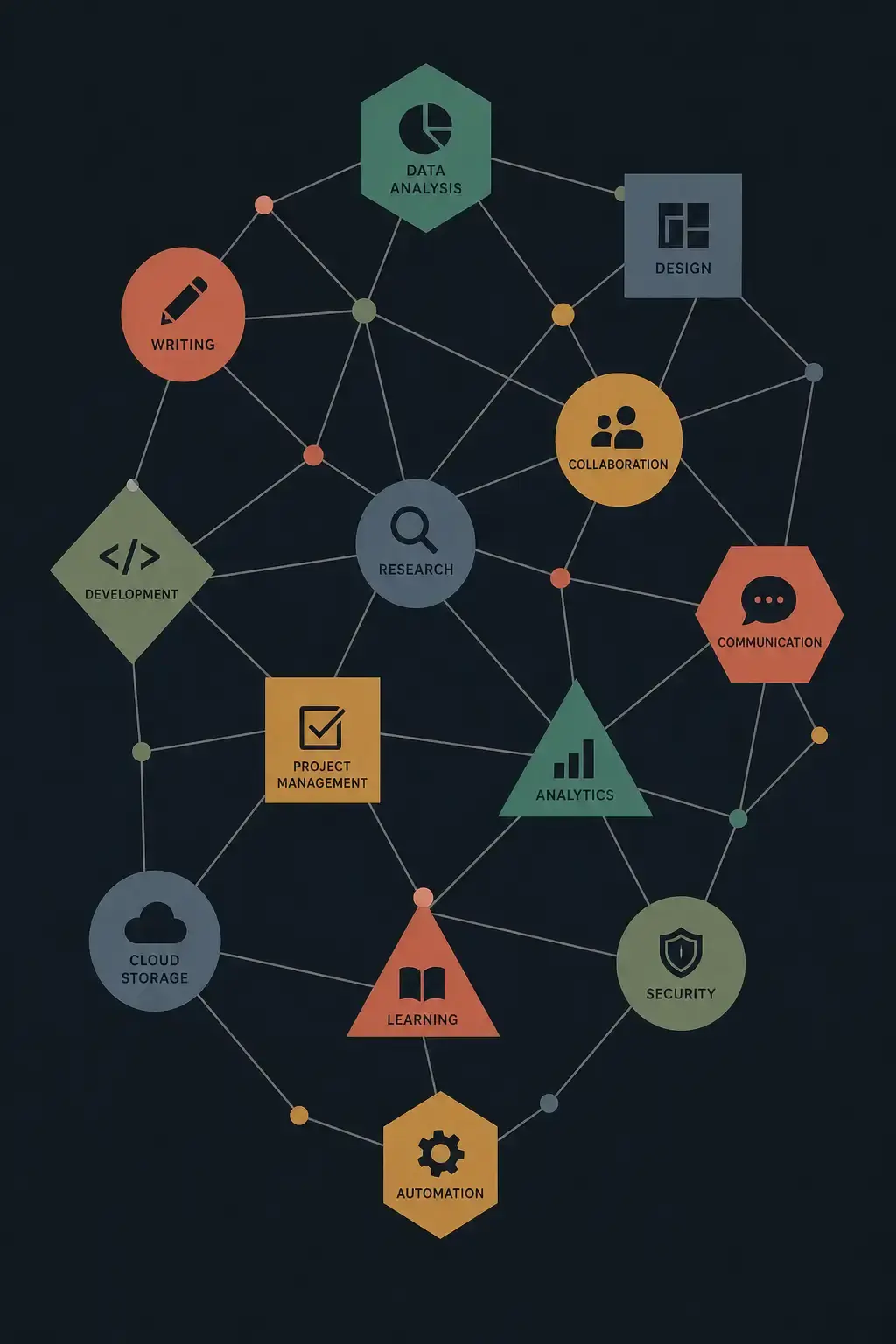
The repository categorizes over 500 skills, covering an absurdly wide range of functionalities. This isn’t just for coding; it’s for living.
| Category | Examples | What it implies |
|---|---|---|
| DevOps | docker, kubernetes, cloudflare, vercel | The AI can deploy infrastructure, not just write Terraform files. |
| Coding | git, github-pr, cursor-agent | The AI manages the entire PR workflow, from branch creation to merge. |
| Smart Home | hue-lights, homeassistant, tesla | ”Turn off the lights and preheat the car” becomes a single prompt. |
| Life Admin | spotify, bring-shopping, food-order | The AI interacts with the physical world (ordering food, playing music). |
Top Skills: A Technical Breakdown
Let’s look at a few standout skills that demonstrate the power of this architecture.
1. The DevOps Orchestrator
The repository lists skills like kubectl-skill, portainer, and coolify.
In a traditional workflow, if you wanted to debug a failing pod, you would run kubectl get pods, copy the error, paste it into an LLM, get a suggestion, and paste the fix back.
With the kubectl-skill installed, the workflow changes:
User: “Why is the payment-service pod crashing?” Agent: Executes
kubectl logs payment-service-123, analyzes the stack trace, checks the config map, and reports: “It’s a missing environment variableDB_URL. Shall I update the deployment?“
2. The “Real World” Interface
Perhaps the most surprising entries are the “Transportation” and “Shopping” skills.
food-order: Reorder from Foodora and track status.tesla: Lock/unlock vehicles and check charge status.bring-shopping: Manage grocery lists.
This suggests a future where your local AI isn’t just a coding partner but a personal executive assistant that lives in your terminal.
3. The “MCP” Connection
The documentation mentions that these skills follow the Agent Skill convention developed by Anthropic. This strongly suggests alignment with the Model Context Protocol (MCP).
MCP is rapidly becoming the USB-C of AI. It allows developers to write a “tool” once (e.g., a way to read Linear tickets) and have it work across Claude Desktop, Moltbot, and other MCP-compliant agents.
Getting Started with Moltbot Skills
The ecosystem uses a CLI-based installation method via clawdhub.
Installation
To install a skill, you don’t download a zip file; you use the package manager.
# The standard installation command
npx clawdhub@latest install <skill-slug>
Manual Installation (For Developers)
If you are building your own skills or want to audit the code (which you should—more on that below), you can manually place them in your workspace.
# Global installation path
mkdir -p ~/.clawdbot/skills/

# Project-specific installation
mkdir -p ./my-project/skills/
Priority Logic: The system prioritizes Workspace > Local > Bundled. This is excellent for developers who want to override a global skill with a project-specific version (e.g., a custom deploy skill for a specific repo).
The Critical Perspective: Security & Hype
While impressive, giving an AI shell access requires a “Zero Trust” mindset.
1. The “rm -rf” Risk
When you install the sysadmin-toolbox or linux-service-triage skill, you are effectively giving the AI sudo privileges (or at least the user’s privileges).
- Risk: An hallucinating AI might misinterpret “clean up the logs” as “delete the log directory recursively.”
- Mitigation: Always run these agents in a containerized environment or a VM initially. Never run a new agent directly on your host machine’s root user.
2. Quantity vs. Quality
The repo boasts “565+ skills.” In the open-source world, this often means “50 excellent tools and 515 abandoned hobby projects.”
- Observation: Many skills seem to be simple wrappers around existing CLIs (
git,gh,kubectl). - Verdict: The value isn’t necessarily in the code of the skill, but in the context definition—teaching the LLM how to use the CLI tool effectively.
3. The Naming Confusion
The repository is named awesome-moltbot-skills, but the content refers almost exclusively to Clawdbot.
- Analysis: This likely indicates a rebranding (VoltAgent might be the new name) or a fork. Regardless of the name, the underlying technology—connecting LLMs to local tools via structured interfaces—is the real story.
Why This Is The Future
We are seeing the commoditization of the “Chat” interface. The next battleground is Context and Action.
Tools like Moltbot/Clawdbot are precursors to the OS of the future. In this future, you won’t open the Spotify app to change the song; you will just tell your computer to “play something for deep work,” and the agent will:
- Check your calendar (via
apple-calendarskill). - See you have a coding block.
- Set your Slack status to “Focus” (via
slackskill). - Play a Lo-Fi playlist on Spotify (via
spotifyskill).
The awesome-moltbot-skills list is a messy, sprawling, exciting glimpse into that future.
Recommended First Steps
If you want to experiment with this agentic workflow:
- Start Safe: Install read-only skills first (
tldr,weather,news-summary). - Audit Code: Before installing a skill like
ssh-manageroraws-cli, read the source code. - Use the CLI: Get comfortable with
npx clawdhubto manage your agent’s capabilities.
The era of the passive chatbot is fading. The era of the active agent has begun.
References:
Reader Dispatches
No reader responses yet. Share your technical perspective below.
Related Posts
Clawdbot: The 'Agentic' AI That Actually Does the Work (And Why It Scares Me)
Move over, chatbots. Clawdbot is an open-source agent that lives on your Mac, controls your terminal, and texts you back on WhatsApp. Here is the deep-dive technical review and setup guide you won't find in the hype headlines.
Stop Babysitting Your Terminal: A Deep Dive into 'Happy' and the Future of Remote AI Agent Control
Stop staring at your terminal while AI agents run. Happy is an open-source tool that lets you monitor and control Claude Code from your phone. Here's the technical breakdown and security analysis.
Stop Fighting Your AI: How Agentation Bridges the Visual Gap for Coding Agents
Stop describing UI bugs to AI agents only to have them fix the wrong element. Agentation translates your clicks into precise DOM selectors that LLMs understand. Here's why it's the missing link in AI-assisted coding.