OpenCode Guide: Installation, Models, Plan/Build Agents and Moving from Claude Code
A practical guide to OpenCode, the open-source AI coding agent: installation on macOS, Linux and Windows, connecting cloud or Ollama models, Plan and Build agents, permissions, and Claude Code compatibility.
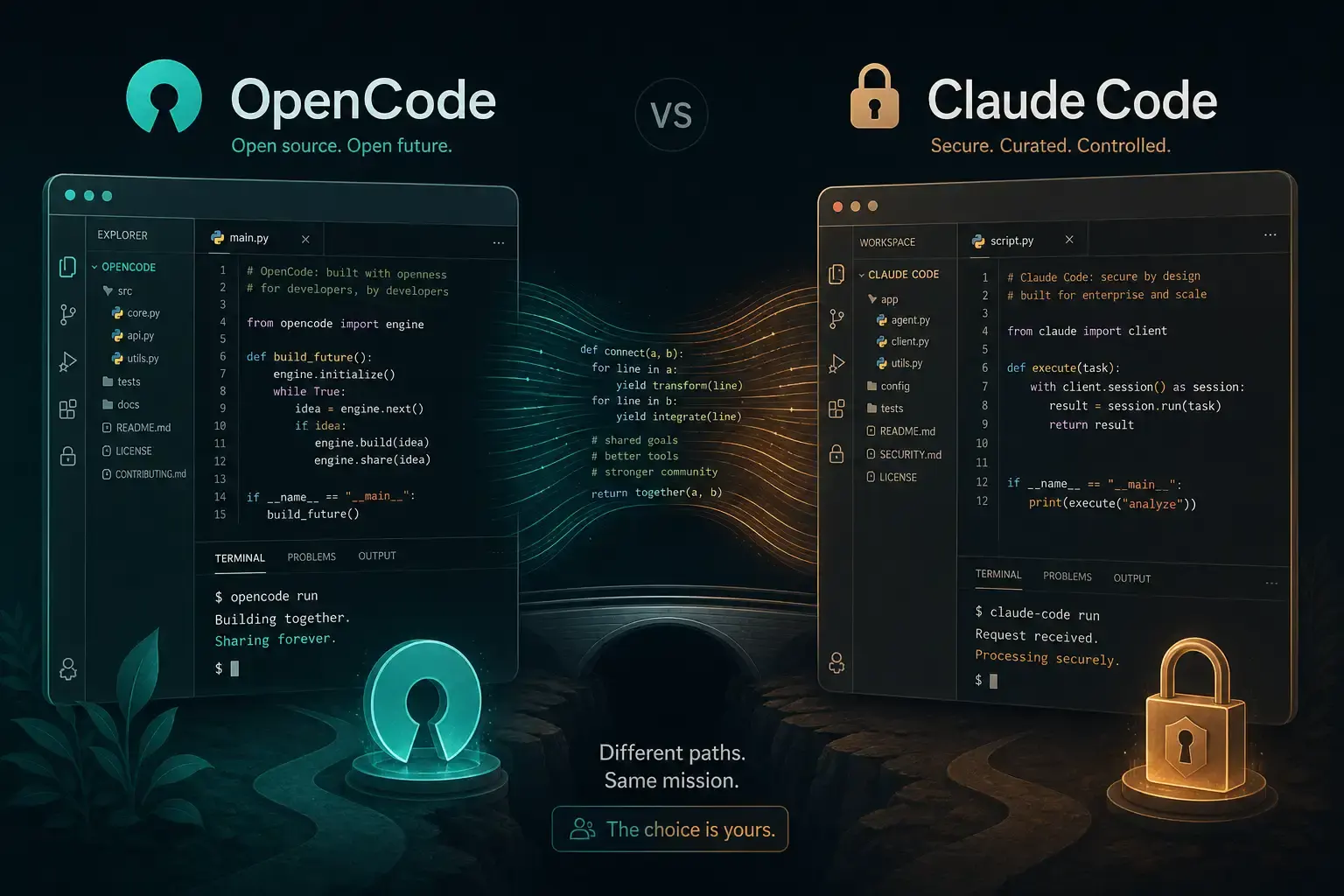
OpenCode is an open-source AI coding agent that runs in the terminal, as a desktop app, or as an IDE extension. It is often compared with Anthropic’s Claude Code because the two share a similar idea: an agent that reads your repository, plans changes, edits files and runs commands from a chat-style interface. The main difference is that OpenCode is not tied to one model vendor. This guide covers what OpenCode is, how to install it, how to connect models (including local ones), how its Plan and Build agents work, and where it fits next to Claude Code.
What OpenCode is
The project lives at github.com/anomalyco/opencode. The repository is MIT-licensed and written mainly in TypeScript. According to the provider documentation, OpenCode uses the AI SDK and Models.dev to support more than 75 LLM providers, and it can also run local models.
Note that the docs now distinguish OpenCode 1 and OpenCode 2. Both use the opencode command and cannot be installed side by side under the default command name, so check which major version a tutorial refers to before copying commands (OpenCode docs).
| Claude Code | OpenCode | |
|---|---|---|
| Source | Proprietary | Open source (MIT) |
| Models | Anthropic models | 75+ providers, plus local models |
| Interfaces | Terminal, IDE integrations, desktop and web | Terminal UI, desktop app, IDE extension |
| Project instructions | CLAUDE.md | AGENTS.md (falls back to CLAUDE.md) |
Installation
The official install script is the simplest route on macOS and Linux:
curl -fsSL https://opencode.ai/install | bashThe docs also list package managers:
# Node.js package managers
npm install -g opencode-ai

# Homebrew (OpenCode 1 tap)
brew install anomalyco/tap/opencode
The docs note that Homebrew’s plain brew install opencode formula installs OpenCode 2, which is why the tap is used for version 1.
On Windows, the project recommends running OpenCode inside Windows Subsystem for Linux (WSL) for better performance and full feature compatibility. Native options listed in the docs include Chocolatey (choco install opencode), Scoop (scoop install opencode), npm, Mise and a Docker image (ghcr.io/anomalyco/opencode). If you hit odd rendering problems in a native Windows terminal, WSL is the documented fallback.
The docs also recommend a modern terminal emulator such as WezTerm, Alacritty, Ghostty or Kitty, since the TUI relies on features older terminals may not render well.
Connecting a model
Run /connect inside the TUI to add API keys. Keys added this way are stored in ~/.local/share/opencode/auth.json. For newcomers, the docs suggest OpenCode Zen, a curated list of models the OpenCode team has tested; you sign in at opencode.ai/auth, add billing details and paste the key.
Providers are configured in an opencode.json file under a provider key. Model IDs use the format provider/model-id.
Local models with Ollama
For local inference, the providers page shows Ollama configured as an OpenAI-compatible provider:
{
  "$schema": "https://opencode.ai/config.json",
  "provider": {
    "ollama": {
      "npm": "@ai-sdk/openai-compatible",
      "name": "Ollama (local)",
      "options": { "baseURL": "http://localhost:11434/v1" },
      "models": { "llama2": { "name": "Llama 2" } }
    }
  }
}
Replace the model ID with whatever you have pulled in Ollama. Keep in mind that an agent depends heavily on reliable tool calling, and small local models are often weaker at that than hosted frontier models. Local use is mainly about privacy and cost control, not matching cloud-model quality.
Starting a project
Inside a repository, run opencode and then /init. OpenCode analyses the project and writes an AGENTS.md file at the root; the docs recommend committing it so the agent keeps consistent context about structure and conventions (Rules docs).
Useful everyday commands from the docs:
@fuzzy-searches files so you can reference them in a prompt./undoreverts the last change and restores your message so you can rephrase it;/redore-applies it.- Images can be dragged into the terminal to add them to a prompt, for example a design reference.
Plan and Build agents
OpenCode ships two primary agents that you switch between with the Tab key (Agents docs):
- Build is the default, with all tools enabled.
- Plan is restricted for analysis. By default it refuses file edits except Markdown plan files, and it can ask clarifying questions. The docs point out that Plan does not restrict
bashby default; commands follow your permission config.
There are also built-in subagents: General for multi-step research tasks and Explore, a fast read-only agent for searching a codebase. You can invoke them with an @ mention.
The recommended workflow is to describe a feature in Plan mode, iterate on the plan, then press Tab to switch to Build and let it implement.
Permissions
Each tool can be set to allow, ask or deny, globally or per agent, including patterns for specific shell commands. For example, you can require approval for git push while allowing grep. If you want Plan to be strictly read-only, the docs show setting its edit to deny and bash to ask explicitly. You can also cap agent iterations with steps to control cost.
Custom agents
Agents can be defined in opencode.json or as Markdown files in .opencode/agents/ (per project) or ~/.config/opencode/agents/ (global). A typical example is a read-only code reviewer subagent with edit: deny.
Moving from Claude Code
OpenCode reads several Claude Code conventions as fallbacks (Rules docs):
- a project
CLAUDE.mdis used if noAGENTS.mdexists; ~/.claude/CLAUDE.mdis used if there is no global OpenCodeAGENTS.md;- skills in
~/.claude/skills/are picked up.
This fallback can be disabled with OPENCODE_DISABLE_CLAUDE_CODE=1. Other setup, such as MCP servers, has to be configured in OpenCode’s own config, so expect some migration work rather than a pure drop-in.
Who should consider it
- Teams that want model choice, for example routing planning to a cheaper model and implementation to a stronger one via per-agent
modelsettings. - Privacy-sensitive work where code should stay on local hardware, accepting the quality limits of local models.
- Developers who want to inspect or extend the tool, since the source is open.
Claude Code remains a reasonable choice if you are already on an Anthropic subscription and prefer a single-vendor setup. The two can coexist on one machine, and trying OpenCode on a side project is a low-cost way to compare.
Sources
Reader Dispatches
No reader responses yet. Share your technical perspective below.
Related Posts
The Ultimate Guide to Agent Skills & Boris Cherny's 13 Rules for Claude Code
From prompt engineering to agent orchestration: Learn how to master Agent Skills and adopt the 'vanilla' yet powerful workflow of Claude Code's creator.
Stop Repeating Yourself: Mastering Claude Agent Skills for Programmable Context
Agent Skills are not just saved prompts; they are the transition from 'chatting with AI' to 'engineering AI behavior.' Learn how to use progressive disclosure and modular Markdown to permanently fix your workflow context.
MCP Practical Guide: Building Reliable AI Agent Workflows with Model Context Protocol in 2026
Learn MCP from scratch — build standardized AI Agent tool integrations with complete code examples, architecture design, and best practices.